
Learn CSS for Stunning Web Designs!
Master the art of web design with CSS and create beautiful, responsive websites.
Learn CSS in 2025: Transform Your Web Design Skills
CSS is the key to designing stunning websites. Whether you’re new to web development or looking to enhance your skills, mastering CSS will allow you to create sleek, responsive, and visually engaging websites.
-
Beginner-Friendly
CSS syntax is easy to learn, and our course is designed to guide you through the basics.
-
Responsive Design
Learn how to create websites that adapt to any screen size, from desktops to mobile phones.
-
In-Demand Skill
CSS skills are essential for web designers and developers, making you highly sought-after in the industry.
Master CSS with Practical Experience
Our CSS course is designed for beginners and professionals alike. With hands-on projects, you’ll gain the skills to design modern, responsive websites and understand advanced CSS concepts.
- Build real-world websites from scratch — design layouts, create animations, and optimize for mobile.
- Learn CSS frameworks like Bootstrap to streamline your development process.
- Get practical feedback from industry experts and build a portfolio that showcases your skills.

No Experience in Web Design? No Problem!
We’ll teach you CSS from the ground up. No prior web design experience is required! Our course is perfect for beginners, with step-by-step lessons that make learning fun and easy.
- Interactive learning modules that guide you through each CSS concept
- Real-world projects that help you build a strong portfolio
- Access to a supportive community of learners and mentors
- Learn industry-standard tools and techniques for modern web design
Course Syllabus Overview
This is a brief overview of the syllabus. For more detailed information on each topic, please download the full syllabus.
Download Full SyllabusModule 1: Introduction to CSS
1.1: What is CSS?
Understand CSS and its role in web design.
1.2: CSS Inclusion
Learn methods to include CSS in your pages (inline, internal, external).
1.3: Selectors
Explore CSS selectors like element, class, and ID.
1.4: Colors
Learn about CSS color properties: name, hex, RGB, and RGBA.
1.5: Background
Master adding background images and colors.
1.6: Border
Style borders with width, color, and radius.
1.7: Margin and Padding
Understand the use of margin and padding for spacing.
Module 2: Box Model and Layouts
2.1: Box Model
Understand the box model (content, padding, border, margin).
2.2: Height, Width, and Size
Learn to control element dimensions and layout.
2.3: Box-Sizing
Master the box-sizing property for layout control.
2.4: Flexbox
Explore Flexbox for flexible layout and alignment.
2.5: Grid Layout
Learn CSS Grid for creating grid-based designs.
Module 3: Fonts and Text Styling
3.1: CSS Fonts
Learn to style text using font properties (family, size, weight).
3.2: CSS Text Properties
Manipulate text alignment, decoration, and transformation.
3.3: CSS Links
Style hyperlinks, including hover and focus states.
3.4: CSS Lists
Style ordered and unordered lists with custom bullets.
3.5: Text Shadows
Add text shadows for better visibility.
3.6: Line Height and Letter Spacing
Improve text readability with spacing adjustments.
Module 4: Advanced CSS Techniques
4.1: CSS Cursors
Change cursor style to improve user interaction.
4.2: CSS Overflow
Control visibility and overflow behavior in containers.
4.3: CSS Pseudo-Classes and Pseudo-Elements
Use pseudo-classes like :hover and ::before.
4.4: CSS Animation
Create animations with CSS keyframes.
4.5: CSS Transitions and Transformations
Add smooth transitions and element transformations.
Module 5: Responsive Web Design
5.1: Media Queries
Use media queries for responsive designs.
5.2: Mobile-First Design
Design with a mobile-first approach.
5.3: Fluid Layouts and Viewport
Build flexible layouts based on viewport size.
5.4: CSS Grid for Responsive Design
Use CSS Grid for responsive layouts.
5.5: Responsive Typography
Adjust typography for different screen sizes.
Module 6: CSS Best Practices and Optimization
6.1: Writing Clean and Maintainable CSS
Learn to write scalable, maintainable CSS.
6.2: CSS Preprocessors (Sass/LESS)
Use preprocessors like Sass/LESS for modular CSS.
6.3: CSS Performance Optimization
Optimize CSS for performance improvements.
6.4: CSS Organization
Organize CSS for better scalability.
6.5: Minification and Compression
Learn to minify and compress CSS for faster loading.
Module 7: Advanced CSS Tools and Frameworks
7.1: CSS Frameworks (Bootstrap, Tailwind)
Explore CSS frameworks for faster development.
7.2: PostCSS
Automate tasks using PostCSS.
7.3: CSS Grid and Flexbox Frameworks
Use frameworks to create responsive layouts.
7.4: CSS Variables
Use CSS variables for dynamic and reusable styles.
Course Conclusion
Review and Q&A Session
Wrap up the course with a Q&A session.
Certification of Completion
Receive a certificate upon completion.
Resources for Continued Learning
Explore additional resources to continue learning.
Learning Support & Career Services
Enhance your learning with real-time help, regular assessments, and expert career guidance.

Live Doubt-Solving Sessions
Attend live Q&A and mentoring sessions to clarify your doubts in real time.

Assignments & Weekly Tests
Regular assessments to track your progress and reinforce learning.

Interview & Career Preparation
Personalized mock interviews, coding interview practice, and resume-building tips.
💥 Limited-Time Discounts on Tech Courses!
Grab your spot and save big on the skills that matter.
🎓 School Student Deal – 30% OFF
Get 30% off beginner-friendly coding, web, and STEM courses! Start your tech journey today.
Get Offer🏫 College Exclusive – 25% OFF
Advance your tech skills with 25% off specialized software and data courses built for college students.
Claim Deal👥 Group Deal – Save up to 40%
Join with 3+ friends and unlock up to 40% in savings! Study together, succeed together.
Join Now⚡ Flash Sale – 50% OFF (24 Hrs!)
Enjoy a massive 50% off any course for the next 24 hours. Don’t miss out!
Special offerCSS Interview Questions
A deep dive into CSS fundamentals, techniques, and tricky interview questions.
Conceptual Interview Questions:
1.1: What is CSS, and why is it important for web development?
1.2: Explain the difference between inline, block, and inline-block elements.
1.3: What is the CSS box model?
1.4: What are pseudo-classes in CSS? Can you give some examples?
1.5: What is the difference between `visibility:hidden` and `display:none`?
Programming Questions:
1. Write a CSS rule to make the text color red.
2. Write a CSS rule to center an element both vertically and horizontally.
Conceptual Interview Questions:
2.1: What are the differences between `absolute`, `relative`, `fixed`, and `sticky` positioning?
2.2: What is Flexbox, and how is it used for layout?
2.3: What is the difference between `float` and `flex`?
2.4: Explain how the `z-index` property works in CSS.
2.5: What are media queries, and how do they make a webpage responsive?
Programming Questions:
1. Write CSS to create a 3-column layout with Flexbox.
2. Write a CSS rule to create a sticky header that stays at the top of the page when scrolling.
Conceptual Interview Questions:
3.1: What is the difference between `em` and `rem` units in CSS?
3.2: What are CSS transitions and animations, and how do they differ?
3.3: How do you optimize a website's CSS for performance?
3.4: What is the `box-sizing` property, and how does it affect element dimensions?
3.5: What are CSS preprocessors, such as SASS or LESS? Why are they used?
Programming Questions:
1. Write CSS to create a button with a hover effect that changes its background color.
2. Write CSS to create a smooth fade-in animation for a hidden element when it becomes visible.
Conceptual Interview Questions:
4.1: What is CSS Grid, and how is it different from Flexbox?
4.2: How can you create a responsive grid layout using CSS Grid?
4.3: Explain how `grid-template-rows` and `grid-template-columns` work in CSS Grid.
4.4: What are the `grid-template-areas` and `grid-gap` properties in CSS Grid?
Programming Questions:
1. Write CSS to create a simple 2x2 grid layout using CSS Grid.
2. Write CSS to create a grid layout where the first item spans two columns.
Conceptual Interview Questions:
5.1: What are CSS specificity and how does it work?
5.2: What are some common performance issues with CSS, and how can you optimize for performance?
5.3: What is BEM (Block Element Modifier), and why is it useful in CSS?
5.4: What is the role of the `!important` rule in CSS? Should it be avoided?
5.5: How can CSS be minified for production use?
Programming Questions:
1. Write CSS for a reusable button component with different color themes.
2. Write CSS to create a card layout with shadow effects.
CSS Project Ideas
A collection of creative, interactive, and visually engaging projects to enhance your CSS skills.
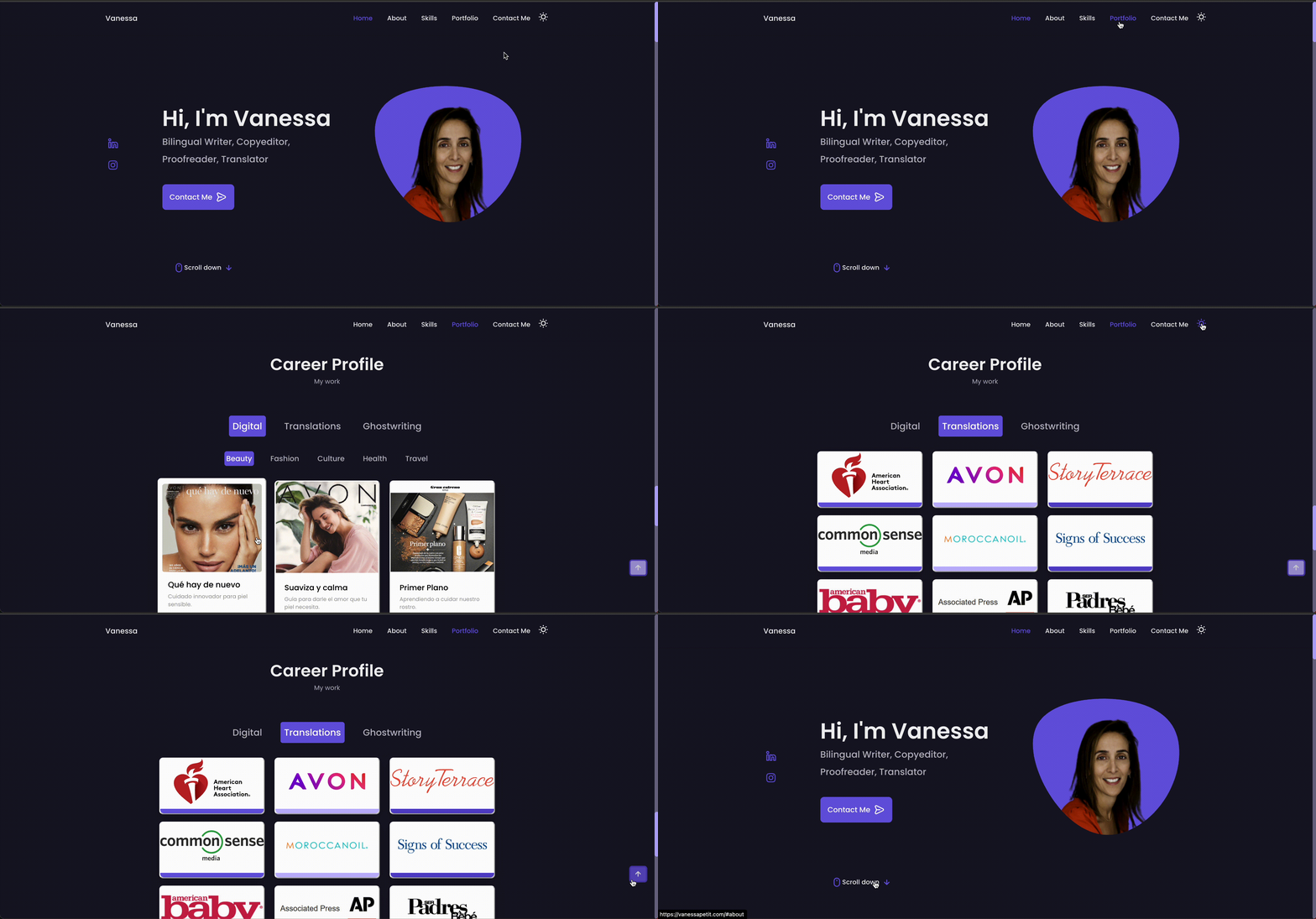
Responsive Portfolio
A clean, responsive portfolio website.Create a personal portfolio website that adjusts seamlessly to different screen sizes using CSS grid and flexbox.
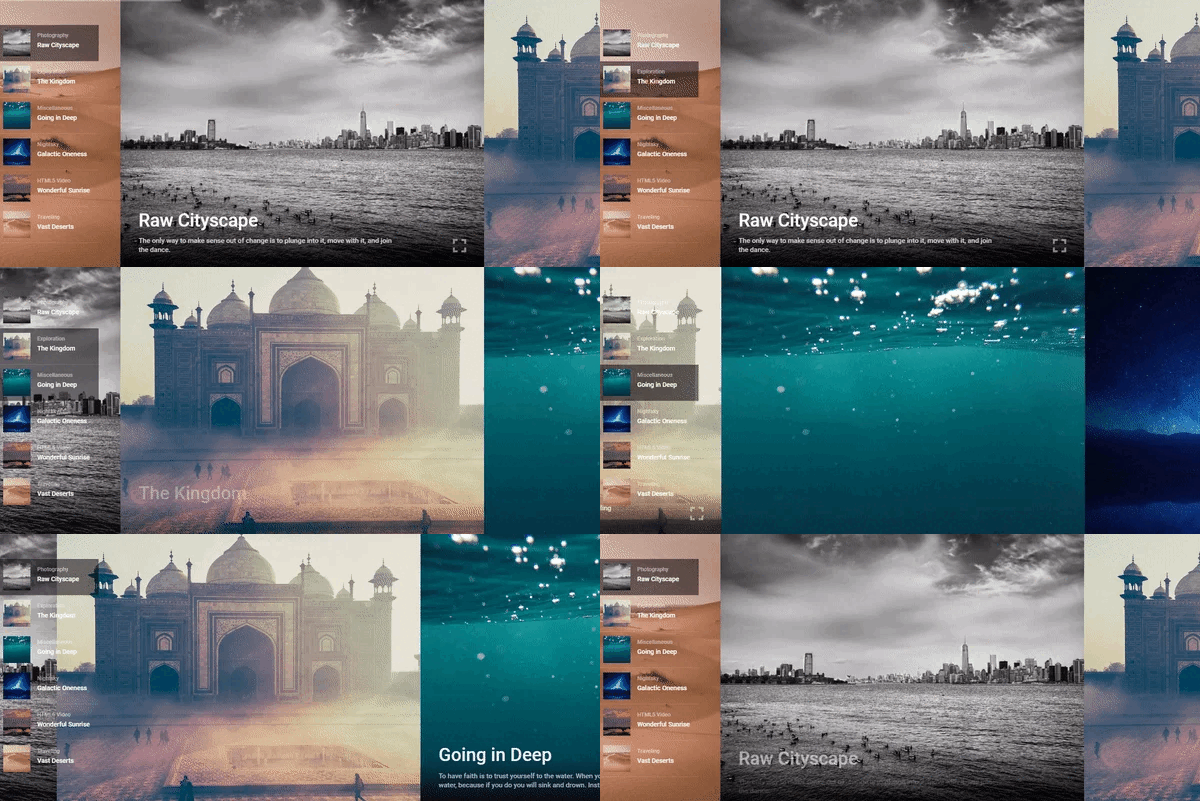
CSS Animation Gallery
Showcase CSS animations with image gallery.Build a photo gallery with hover effects and animations that enhance user interaction using pure CSS.
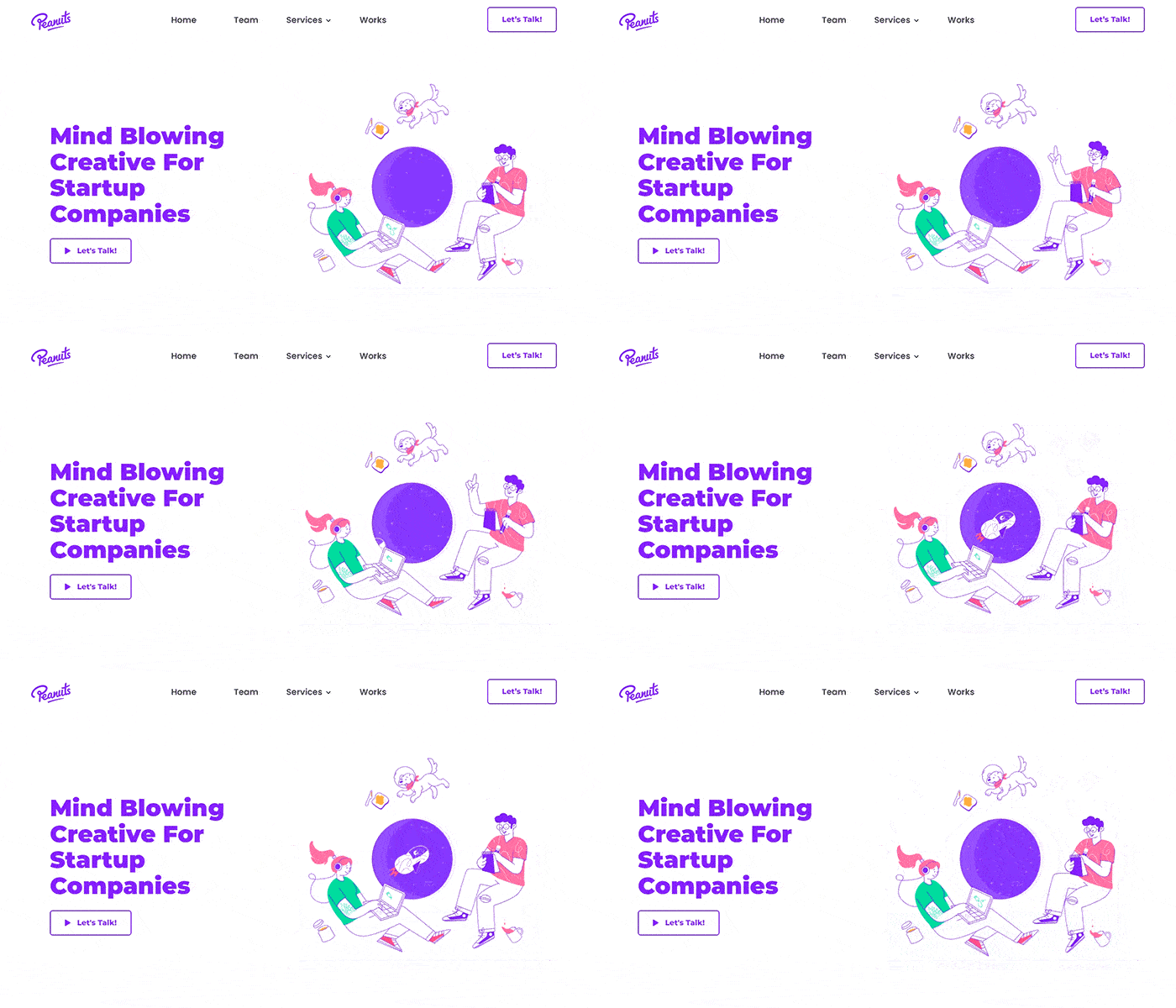
Landing Page
A one-page landing website with call-to-action.Design a one-page landing page using CSS and JavaScript with call-to-action elements and smooth scrolling effects.
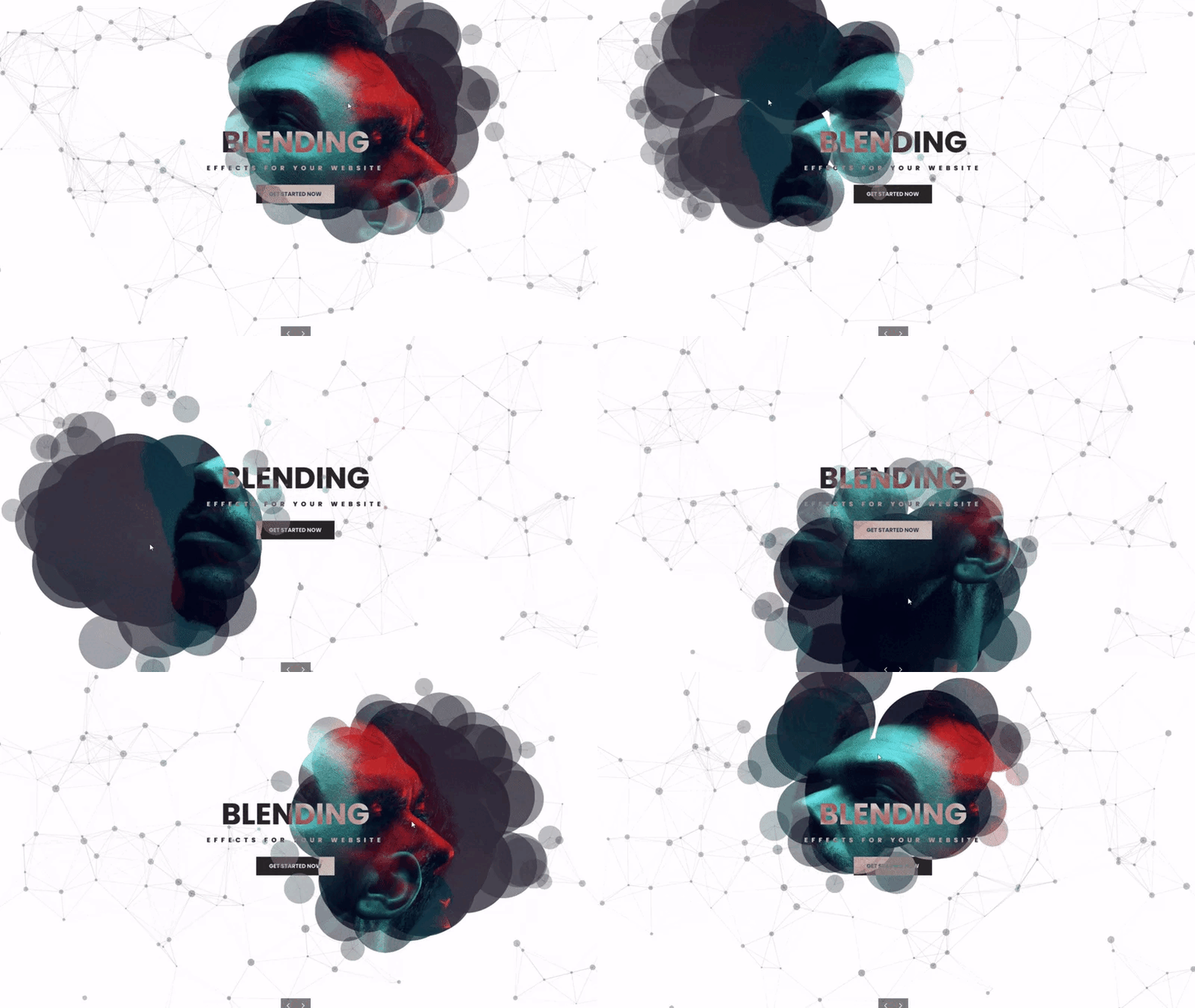
CSS Hover Effects
Interactive hover effects for buttons and images.Implement various CSS hover effects for buttons, images, and links to enhance interactivity and design.
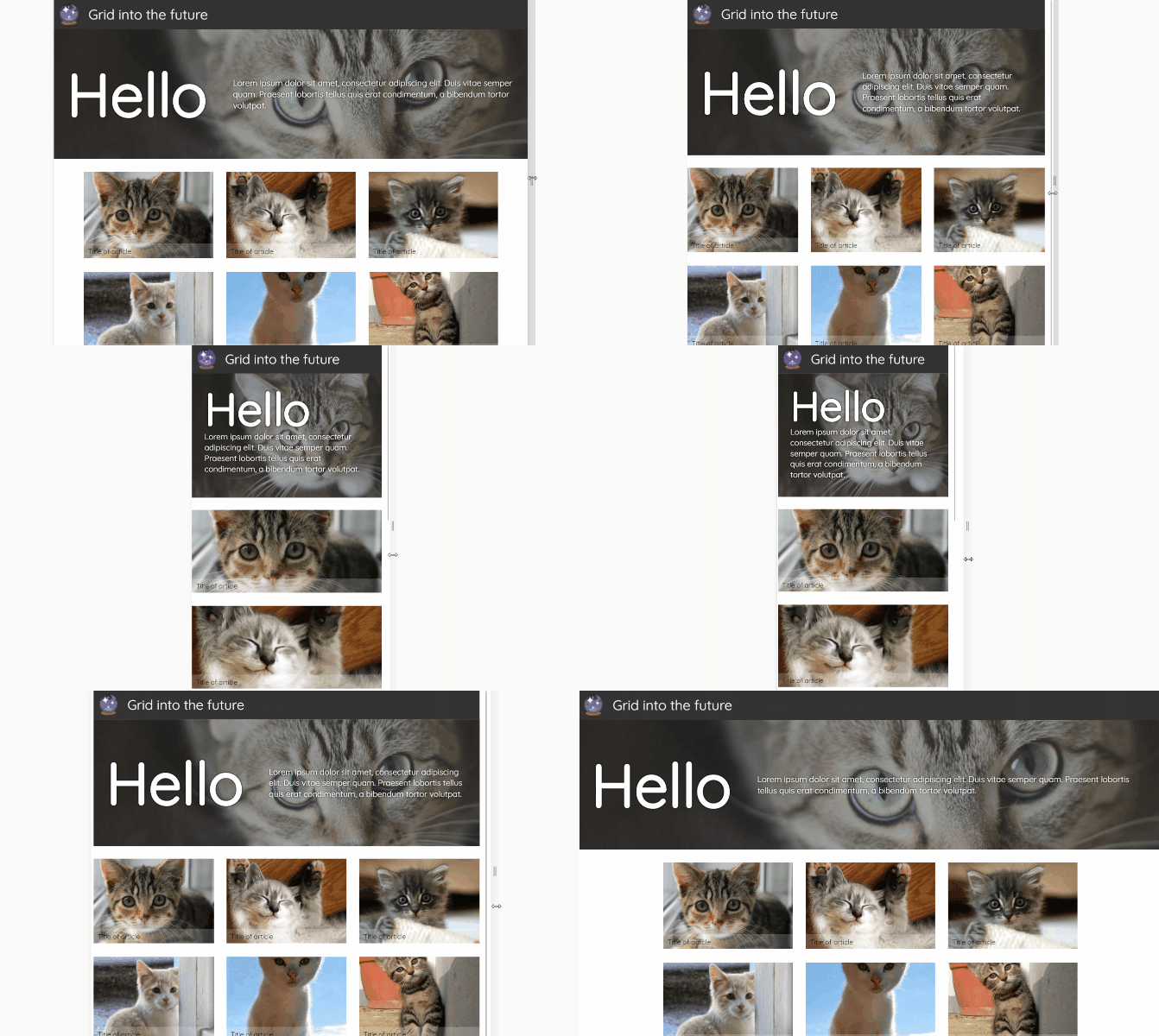
CSS Grid Layout
Design a complex layout with CSS Grid.Use CSS Grid to build a responsive and modern website layout with structured content sections.
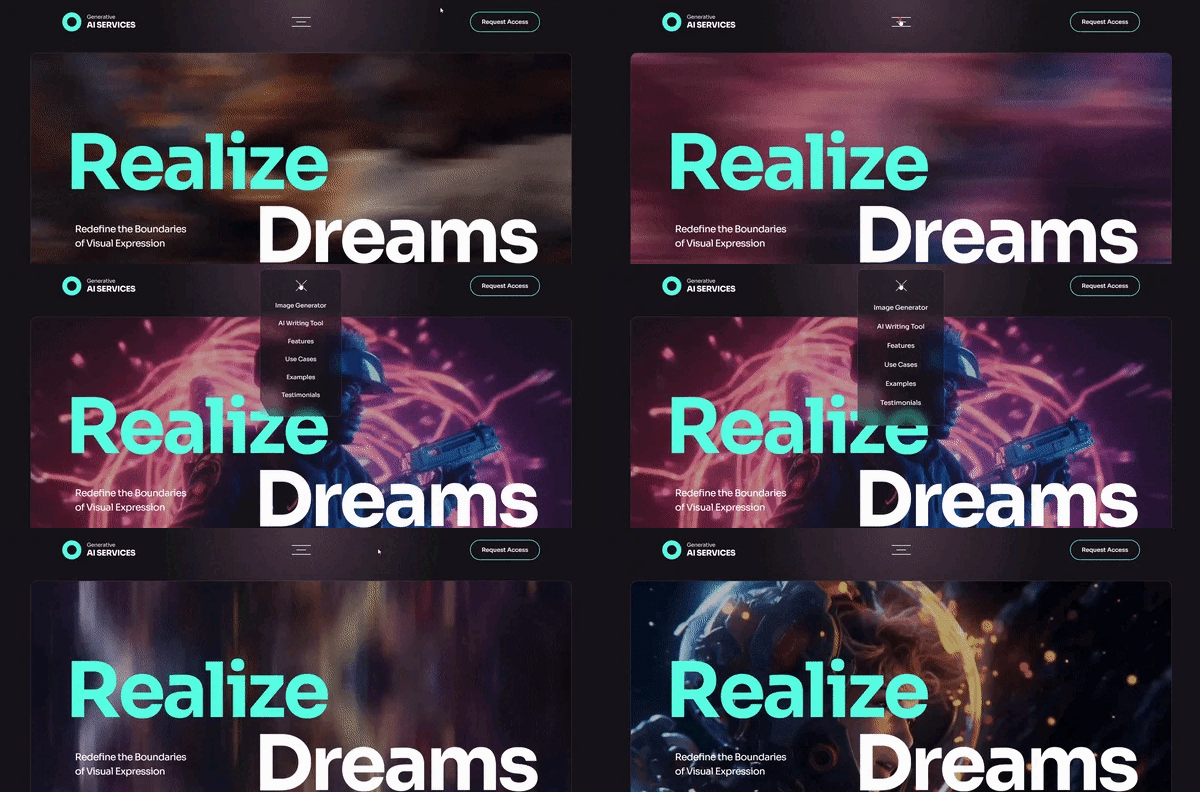
Responsive Navigation Menu
Build a hamburger menu that works on mobile.Design a mobile-friendly navigation menu using media queries and flexbox with toggle animation for hamburger icon.