
Master HTML and Build Stunning Websites
Join our expert-led course and learn how to create responsive, professional websites using HTML and Bootstrap.
Learn HTML in 2025: Your Gateway to a Successful Web Development Career
HTML is the foundational language of the web. If you're looking to start your journey in web development, mastering HTML is the first step toward creating engaging websites and web applications.
-
Beginner-Friendly
HTML’s simple syntax makes it easy to learn and essential for anyone looking to break into web development.
-
Versatile Applications
HTML is used for structuring web content, and it forms the backbone of websites across the globe.
-
High Demand
Web developers who master HTML are in high demand as every website relies on it for structure and content.

Master HTML with Real-World Experience
Our HTML course is perfect for beginners looking to dive into web development. Build solid foundations in HTML and web design, with hands-on experience and real-world projects.
- Build real-world web pages from scratch, including portfolio websites, landing pages, and blogs.
- Learn job-ready skills for front-end web development and web design.
- Get expert mentorship, portfolio-worthy projects, and a certification that gets you noticed.

No Coding Experience? No Problem!
We’ll teach you HTML from scratch — the easy way. Our course is beginner-friendly and filled with practical exercises so you can start building websites confidently in no time.
- Comprehensive learning modules that cover all the essentials of HTML
- Hands-on experience with creating websites and web pages
- Join a supportive community of learners for collaboration and feedback
- Gain the skills needed for a successful career in web development
Course Syllabus Overview
This is a brief overview of the syllabus. For more detailed information on each topic, please download the full syllabus.
Download Full SyllabusModule 1: Introduction to HTML
1.1: Introduction to HTML
Learn what HTML is and its role in building webpages.
1.2: Difference Between HTML and HTML5
Understand the key differences between HTML and the newer version, HTML5.
1.3: HTML Overview
Explore the basic structure of an HTML document, including the `html`, `head`, and `body` tags.
1.4: DOCTYPE Declaration
Learn how to properly define a document type declaration for an HTML page.
1.5: HTML Tag vs Element
Understand the difference between tags and elements in HTML.
1.6: HTML Attributes
Explore various HTML attributes like `id`, `class`, `style`, and others.
Module 2: Basic HTML Formatting
2.1: Basic Formatting Tags
Learn about basic tags for formatting such as `b`, `i`, `u`, and `strong`.
2.2: Basic HTML Tags
Explore commonly used HTML tags like `h1-h6`, `p`, `a`, `img`, `ul`, and `ol`.
2.3: Grouping Using Div and Span
Understand how to group content using the `div` and `span` tags for better styling and organization.
2.4: Div Tag
Learn how to use the `div` tag for grouping larger blocks of content.
2.5: Span Tag
Explore the `span` tag for inline grouping of smaller content.
Module 3: HTML Lists and Images
3.1: Unordered List
Learn how to create unordered lists using the `ul` and `li` tags.
3.2: Ordered List
Understand how to create ordered lists with the `ol` tag.
3.3: Definition List
Explore definition lists with the `dl`, `dt`, and `dd` tags.
3.4: Images and Image Mapping
Learn how to add images to your webpage and create image maps.
3.5: Responsive Images
Understand how to use the `srcset` attribute to make images responsive.
3.6: List Styling
Learn how to style lists using CSS properties like `list-style-type` and `list-style-image`.
Module 4: HTML Tables
4.1: Basic Table Structure
Learn how to create tables with the `table`, `tr`, `th`, and `td` tags.
4.2: Table Elements: Caption, Thead, Tfoot, Tbody
Explore how to enhance tables with `caption`, `thead`, `tfoot`, and `tbody`.
4.3: Table Grouping and Layout
Learn to group columns using the `colgroup` tag and control table layout.
Module 5: HTML Frames and Iframes
5.1: Understanding Frames
Learn how to create frames for splitting a browser window into multiple sections.
5.2: Using Iframes
Explore how to embed other webpages within your webpage using the `iframe` tag.
5.3: Iframe Attributes and Targeting
Learn how to control the behavior of iframes, including setting attributes like `src` and `target`.
Module 6: HTML Forms
6.1: HTML Form Elements
Explore the various form elements such as `form`, `input`, `textarea`, and `button`.
6.2: HTML Input Types
Learn about the different `input` types, including `text`, `password`, `radio`, and `checkbox`.
6.3: HTML Input Attributes
Understand how to use attributes like `placeholder`, `value`, and `required` in form elements.
Module 7: HTML Media
7.1: HTML Audio and Video
Learn how to embed audio and video in your webpage using the `audio` and `video` tags.
7.2: Attributes for Media Tags
Explore the attributes you can use to control media playback, such as `controls`, `autoplay`, and `loop`.
Learning Support & Career Services
Enhance your learning with real-time help, regular assessments, and expert career guidance.

Live Doubt-Solving Sessions
Attend live Q&A and mentoring sessions to clarify your doubts in real time.

Assignments & Weekly Tests
Regular assessments to track your progress and reinforce learning.

Interview & Career Preparation
Personalized mock interviews, coding interview practice, and resume-building tips.
💥 Limited-Time Discounts on Tech Courses!
Grab your spot and save big on the skills that matter.
🎓 School Student Deal – 30% OFF
Get 30% off beginner-friendly coding, web, and STEM courses! Start your tech journey today.
Get Offer🏫 College Exclusive – 25% OFF
Advance your tech skills with 25% off specialized software and data courses built for college students.
Claim Deal👥 Group Deal – Save up to 40%
Join with 3+ friends and unlock up to 40% in savings! Study together, succeed together.
Join Now⚡ Flash Sale – 50% OFF (24 Hrs!)
Enjoy a massive 50% off any course for the next 24 hours. Don’t miss out!
Special offerHTML Interview Questions
Understand the fundamentals of HTML and prepare for interviews with these essential questions.
Conceptual Interview Questions:
1.1: What is the difference between HTML and HTML5?
1.2: What is the purpose of the <!DOCTYPE> declaration?
1.3: What is the difference between an HTML tag and an HTML element?
1.4: What are HTML attributes, and how are they used?
1.5: How do you use basic formatting tags in HTML like <b>, <i>, <u>, etc.?
Programming Questions:
1. Write an HTML document to display "Hello, World!" in a heading.
2. Create a simple webpage that contains an image and a hyperlink.
Conceptual Interview Questions:
2.1: What is the purpose of the <div> and <span> tags in HTML?
2.2: How do you create unordered and ordered lists in HTML?
2.3: Explain the <dl>, <dt>, and <dd> tags.
2.4: How do you structure a navigation menu using HTML lists?
2.5: How can you group HTML content effectively using <div> and <span>?
Programming Questions:
1. Create an unordered list of your favorite foods.
2. Create a definition list for different HTML tags and their descriptions.
Conceptual Interview Questions:
3.1: How do you insert an image in HTML?
3.2: What is the purpose of the <caption>, <thead>, <tbody>, and <tfoot> tags in a table?
3.3: Explain how to create a table with different row and column styles using HTML.
3.4: How do you add a table border and control its style in HTML?
3.5: What is the <colgroup> tag used for?
Programming Questions:
1. Write HTML code to create a table with 3 rows and 2 columns.
2. Create an image gallery with multiple images linked to their full-size versions using <a> and <img>.
Conceptual Interview Questions:
4.1: What are iframes, and how do you use them in HTML?
4.2: How can you specify an iframe as the target of a link in HTML?
4.3: What are the basic elements of an HTML form?
4.4: What are the different types of input elements in HTML forms?
4.5: How do you use the <label> tag with form elements?
Programming Questions:
1. Create a form that accepts a user’s name, email, and message.
2. Create an iframe that embeds a YouTube video on your webpage.
Conceptual Interview Questions:
5.1: How do you embed audio and video in an HTML page?
5.2: What attributes are available for the <audio> and <video> tags?
5.3: How can you control the playback of audio and video using HTML attributes?
5.4: What is the difference between <audio> and <video> tags in HTML?
Programming Questions:
1. Embed an audio file and make it autoplay when the page loads.
2. Embed a video file and add custom controls using HTML.
Conceptual Interview Questions:
6.1: How do you use the <meta> tag in HTML for setting character encoding or viewport settings?
6.2: What are semantic HTML elements and why are they important?
6.3: How do you create an HTML form with multiple input types?
6.4: What is the purpose of the <header>, <footer>, <article>, and <section> tags in HTML5?
Programming Questions:
1. Write HTML code for a contact form with text, email, and submit input fields.
2. Create a webpage using semantic HTML elements like <header>, <nav>, and <footer>.
Conceptual Interview Questions:
7.1: How would you optimize an HTML page for faster load times?
7.2: How can you ensure an HTML page is responsive across various devices?
7.3: What tools or frameworks can you use to enhance the HTML code for SEO?
Programming Questions:
1. Build a webpage with a navigation bar, content sections, and footer.
2. Create a responsive webpage using HTML5 and CSS3.
HTML Project Ideas
A collection of simple and creative HTML projects to boost your frontend development skills.
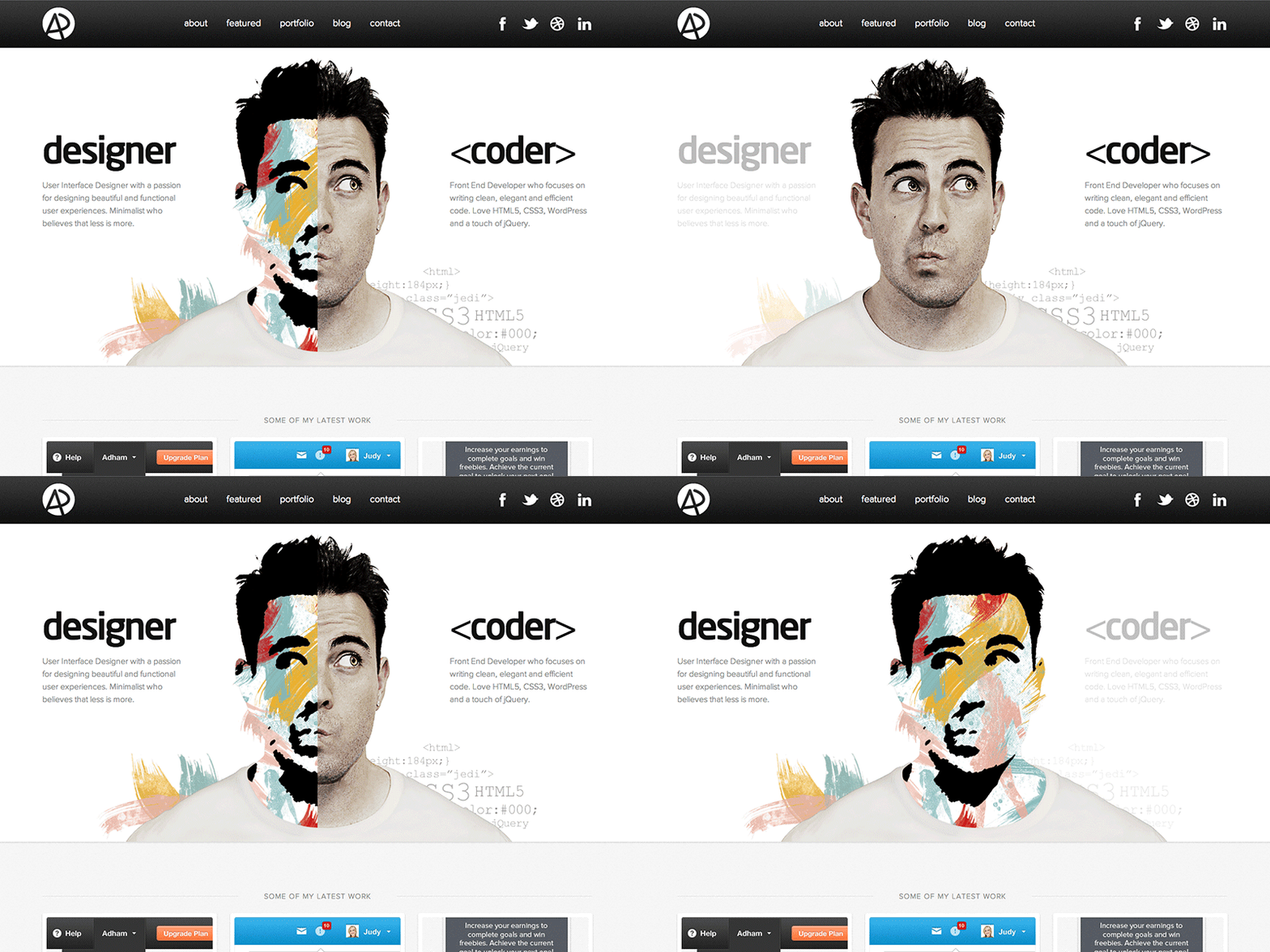
Portfolio Website
Showcase your skills and projects online.Create a personal portfolio site using only HTML and CSS to display your bio, skills, and projects attractively.
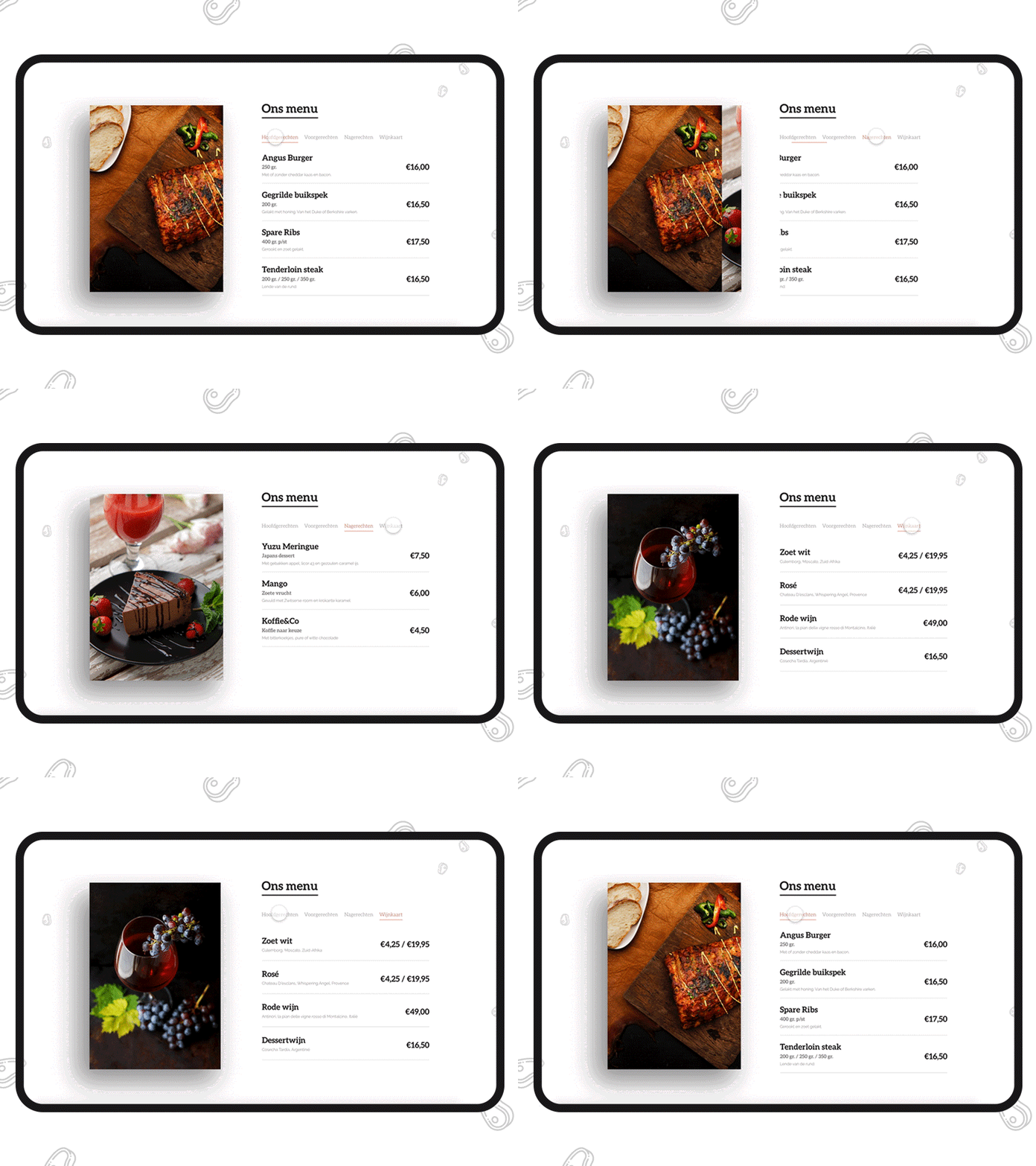
Restaurant Menu
Design a clean and organized digital menu.Build a responsive HTML layout to present a food menu using sections, images, and simple styling with CSS.
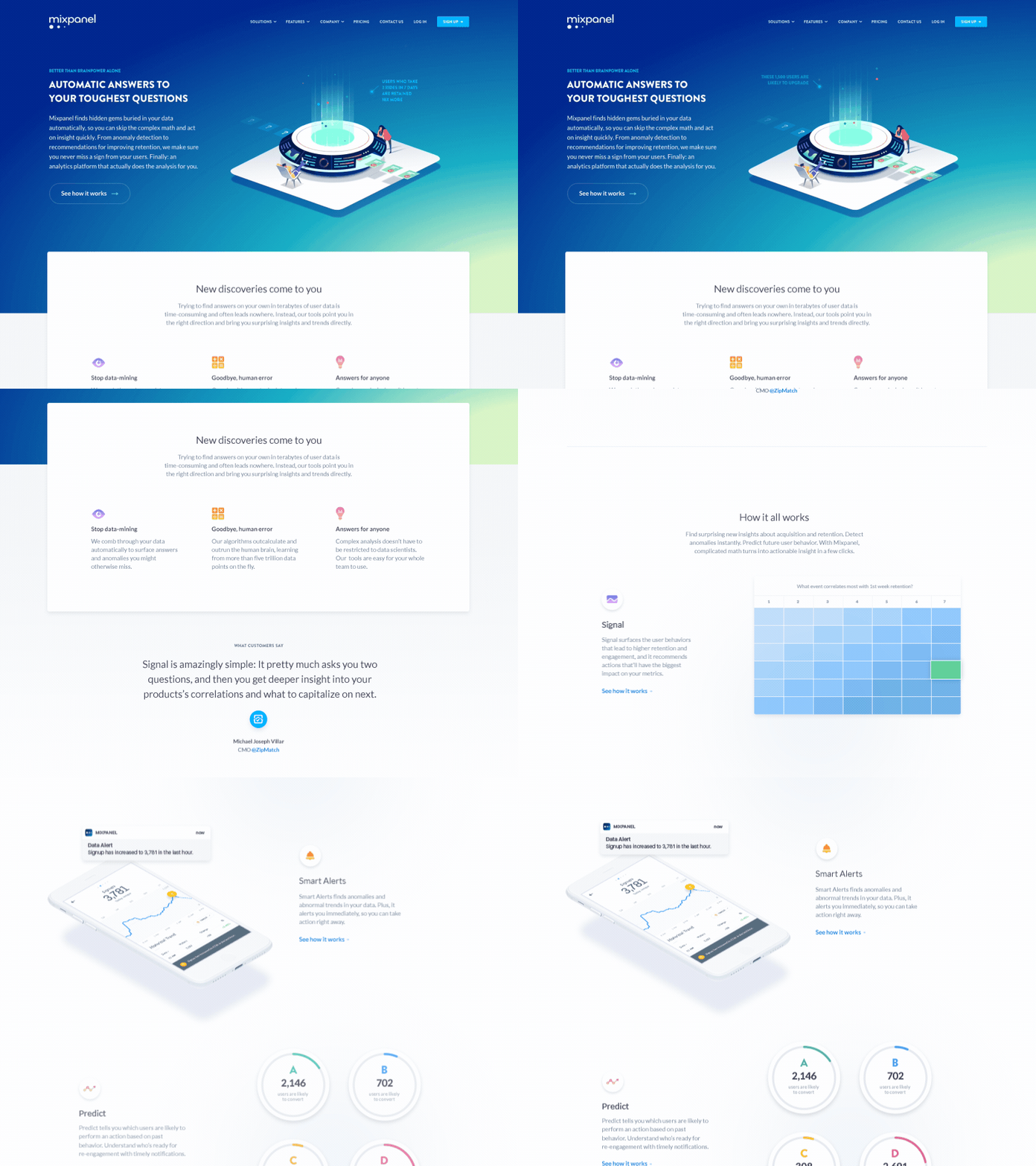
Landing Page
A marketing-focused one-page layout.Design a landing page for a fictional product or service using sections like hero, features, testimonials, and footer.
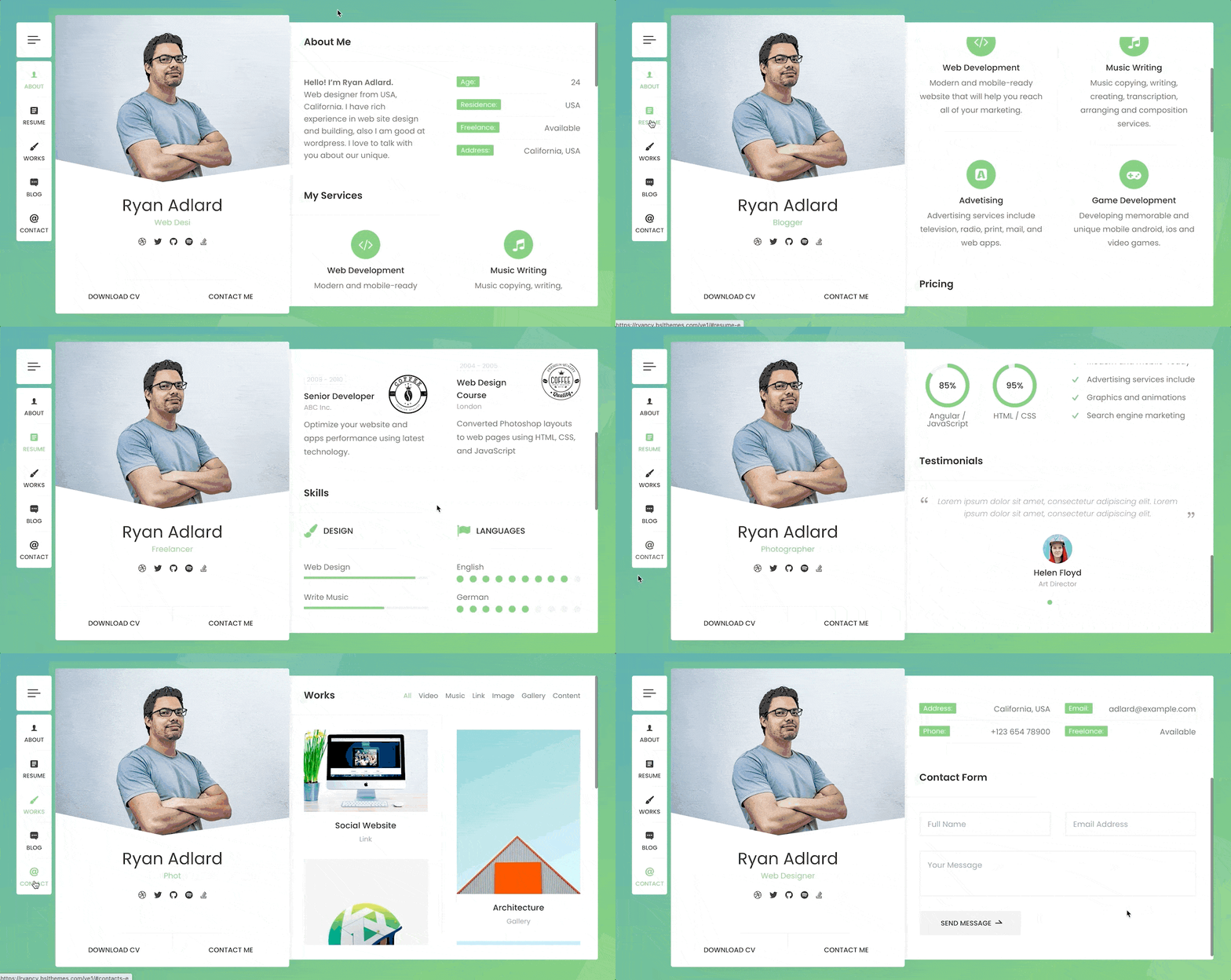
Resume Page
Turn your resume into a web page.Use HTML to format your CV with headings, lists, and sections for education, experience, and skills.
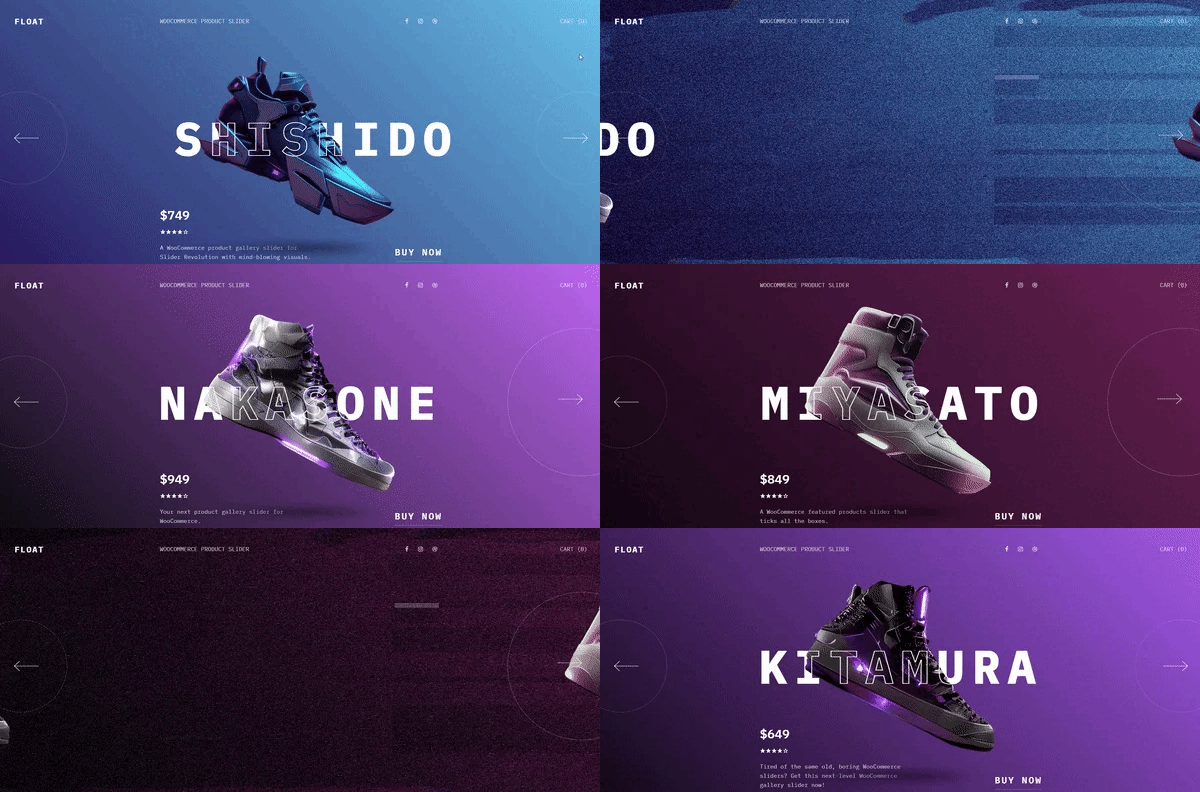
Product Showcase
Highlight a product with features and images.Create a simple product display page with images, descriptions, and call-to-action buttons using HTML/CSS.
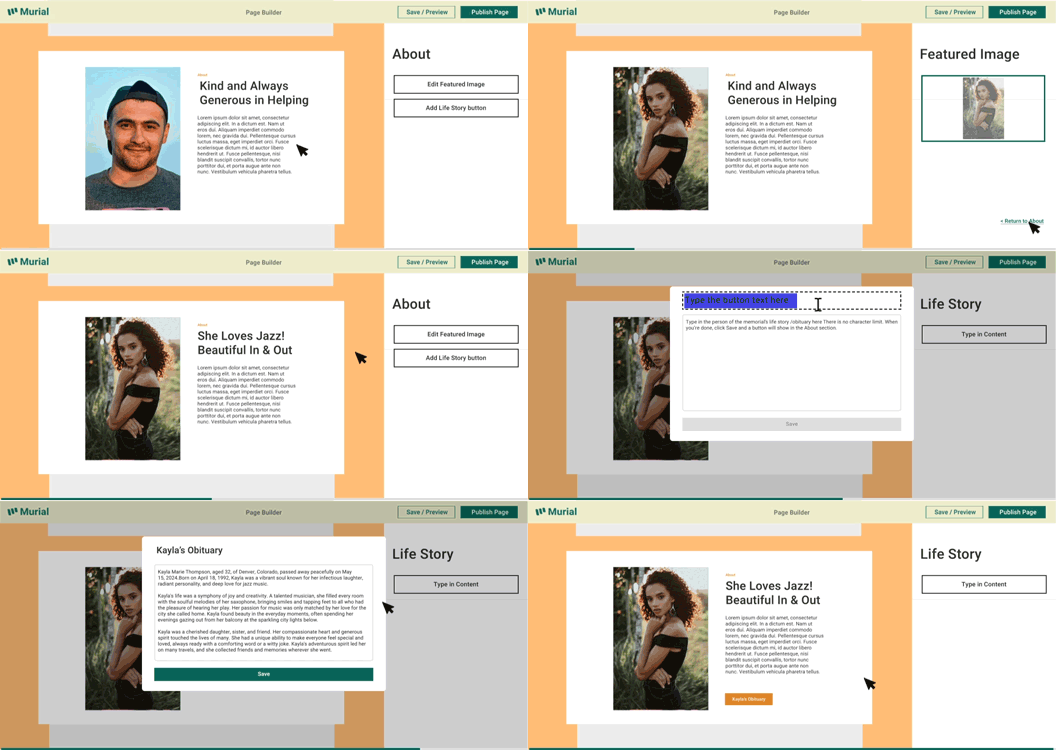
Tribute Page
Honor a person or figure with a clean layout.Use semantic HTML to build a page dedicated to someone you admire, including images, quotes, and biography.