
Welcome to the SQL Software Training Course!
We are a team of experienced instructors dedicated to providing you with the skills needed to master SQL. This course will guide you through the fundamentals and advanced techniques to help you succeed in managing and analyzing data using SQL.

Learn SQL in 2025: Your Gateway to a Future-Proof Tech Career
SQL (Structured Query Language) continues to be one of the most in-demand skills in the tech industry—and for good reason. Whether you're new to databases or looking to enhance your skills, SQL offers power, flexibility, and numerous career opportunities.
-
Beginner-Friendly
SQL’s simple and intuitive syntax makes it easy for anyone to get started with database management.
-
Versatile Applications
From data management to reporting, SQL is essential for handling and querying large databases across industries.
-
High Demand
SQL experts are among the most sought-after professionals in data analysis, software development, and beyond.
.jpg)
Master SQL with Real-World Experience
Our industry-driven SQL course is perfect for beginners and professionals alike. Build strong foundations in database management, data analysis, and reporting.
- Build real-world projects from day one — complex queries, database optimization, data reports, and more.
- Learn job-ready skills for careers in database management, data analysis, and business intelligence.
- Get expert mentorship, portfolio-worthy projects, and certification that gets you noticed.

No Coding Experience? No Problem!
We’ll teach you SQL from scratch — the easy way. Our course is beginner-friendly and loaded with practical exercises so you can confidently manage and query databases in no time.
- Comprehensive learning modules that cover all the essentials
- Hands-on experience with SQL queries, database design, and reporting challenges
- Join a vibrant community of learners for collaboration and support
- Gain the skills needed for a successful tech career in database management and analysis
Course Syllabus Overview
This is a brief overview of the syllabus. For more detailed information on each topic, please download the full syllabus.
Download Full SyllabusModule 1: Introduction to Oracle SQL
1.1: Overview of Oracle Database and SQL
Learn about the Oracle Database architecture and SQL basics.
1.2: Installing Oracle Database and SQL Developer
Step-by-step guide for setting up Oracle SQL and SQL Developer.
1.3: Understanding Oracle Data Types
Learn about various Oracle data types (CHAR, VARCHAR, DATE, etc.).
1.4: Basic SQL Syntax and Structure
Understand the fundamental syntax and structure for writing SQL queries.
1.5: Introduction to SQL Developer Interface
Learn how to use SQL Developer's interface to interact with Oracle databases.
Module 2: Retrieving Data using the SELECT Statement
2.1: Basic SELECT Statement Syntax
Understand the structure and syntax of the SELECT statement.
2.2: Using the WHERE Clause to Filter Data
Learn how to filter data with the WHERE clause.
2.3: Sorting Data with ORDER BY
Sort your query results by one or more columns.
2.4: Limiting Results with FETCH and OFFSET Clauses
Learn how to limit the number of results returned.
2.5: Using the LIKE Operator for Pattern Matching
Understand how to use the LIKE operator for matching patterns.
2.6: Using the IN and BETWEEN Operators
Learn how to filter data with IN for multiple values and BETWEEN for range values.
Module 3: Filtering and Sorting Data
3.1: Filtering Data with the WHERE Clause
Learn advanced techniques for filtering data with logical operators.
3.2: Sorting Data by Single and Multiple Columns
Master sorting in ascending and descending order.
3.3: Using Column Aliases
Understand how to create aliases for columns to make results more readable.
3.4: Using Advanced Filtering Techniques
Explore advanced filtering options like regular expressions and complex conditions.
3.5: Sorting Data with Custom Order
Learn how to sort data by custom sorting logic using case expressions.
Module 4: Joining Tables
4.1: Introduction to Joins
Learn about different types of joins and their uses.
4.2: Inner Joins and Outer Joins
Understand the differences between INNER JOIN, LEFT JOIN, RIGHT JOIN, and FULL JOIN.
4.3: Cross Joins and Self-Joins
Learn about cross joins and how to perform self-joins.
Module 5: Aggregating Data with Group Functions
5.1: Using the GROUP BY Clause
Group data based on specific columns for aggregation.
5.2: Using Aggregate Functions
Learn to use aggregate functions like AVG, COUNT, MIN, MAX, and SUM.
5.3: Using the HAVING Clause
Filter aggregated results with the HAVING clause.
Module 6: Subqueries
6.1: Understanding Subqueries
Learn how to use subqueries in SQL.
6.2: Types of Subqueries
Explore single-row, multiple-row, and correlated subqueries.
6.3: Using Subqueries in WHERE, HAVING, and SELECT Clauses
Learn to use subqueries for filtering and selecting data.
Module 7: Manipulating Data with DML Statements
7.1: Understanding Data Manipulation Language (DML)
Introduction to INSERT, UPDATE, and DELETE statements.
7.2: Inserting, Updating, and Deleting Data
Learn how to manipulate data in Oracle tables.
7.3: Using Transactions to Ensure Data Integrity
Understand how to use COMMIT, ROLLBACK, and SAVEPOINT to manage data integrity.
Module 8: Creating Tables and Database Objects
8.1: Creating Tables
Learn how to create tables in Oracle SQL.
8.2: Adding and Modifying Columns and Constraints
Understand how to modify existing tables and add constraints.
8.3: Dropping Tables
Learn how to safely drop tables from your database.
8.4: Creating Views, Sequences, Indexes, and Synonyms
Understand how to create other database objects like views and indexes.
Module 9: Working with Date and Time Functions
9.1: Using Date and Time Functions
Master date and time functions like SYSDATE, ADD_MONTHS, and TO_DATE.
9.2: Understanding Date and Time Data Types in Oracle
Learn about Oracle’s handling of dates and times.
9.3: Calculating Date Differences
Learn to calculate the difference between two dates using SQL functions.
9.4: Handling Time Zones in SQL
Understand how to handle time zones and perform date-time conversions.
Module 10: Advanced SQL Concepts
10.1: Using Regular Expressions
Learn how to use regular expressions in SQL queries.
10.2: Using Analytical Functions
Explore advanced functions for analysis like RANK, LEAD, and LAG.
10.3: Working with Large Data Sets
Learn how to partition and process large datasets using Oracle.
10.4: Implementing Security with Roles and Privileges
Understand how to control access and permissions in Oracle databases.
Course Conclusion
Review and Q&A Session
Wrap up key concepts and troubleshoot any remaining questions.
Certification of Completion
Earn a certificate upon completing the course.
Resources for Continued Learning
Explore next steps in your SQL journey and discover advanced topics for further study.
Learning Support & Career Services
Enhance your learning with real-time help, regular assessments, and expert career guidance.

Live Doubt-Solving Sessions
Attend live Q&A and mentoring sessions to clarify your doubts in real time.

Assignments & Weekly Tests
Regular assessments to track your progress and reinforce learning.

Interview & Career Preparation
Personalized mock interviews, coding interview practice, and resume-building tips.
💥 Limited-Time Discounts on Tech Courses!
Grab your spot and save big on the skills that matter.
🎓 School Student Deal – 30% OFF
Get 30% off beginner-friendly coding, web, and STEM courses! Start your tech journey today.
Get Offer🏫 College Exclusive – 25% OFF
Advance your tech skills with 25% off specialized software and data courses built for college students.
Claim Deal👥 Group Deal – Save up to 40%
Join with 3+ friends and unlock up to 40% in savings! Study together, succeed together.
Join Now⚡ Flash Sale – 50% OFF (24 Hrs!)
Enjoy a massive 50% off any course for the next 24 hours. Don’t miss out!
Special offerSQL Interview Questions
Prepare for your SQL interview by reviewing key concepts and solving relevant problems.
Conceptual Interview Questions:
1.1: What is SQL, and how does it differ from other query languages?
1.2: Explain the architecture of the Oracle Database.
1.3: What are the different Oracle data types and their use cases?
1.4: How do you install Oracle Database and SQL Developer?
Programming Questions:
1. Write an SQL query to retrieve all records from a table named `employees`.
2. Write an SQL query to display the current system date using `SYSDATE`.
Conceptual Interview Questions:
2.1: What is the syntax of the SELECT statement in SQL?
2.2: How does the WHERE clause filter data?
2.3: What is the purpose of the ORDER BY clause in SQL?
2.4: What are the LIMIT and OFFSET clauses in SQL, and how do they work?
2.5: What are the differences between the `IN`, `BETWEEN`, and `LIKE` operators?
Programming Questions:
1. Write a SQL query to retrieve employees who earn more than $50,000.
2. Write a SQL query to sort employees by their hire date in descending order.
Conceptual Interview Questions:
3.1: How do you use logical operators like `AND`, `OR`, and `NOT` in SQL?
3.2: Explain how to sort data by multiple columns.
3.3: What are column aliases, and how can they improve query readability?
Programming Questions:
1. Write a SQL query to find the employees who have a salary between $30,000 and $60,000.
2. Write a SQL query to display the first 5 rows from the `employees` table.
Conceptual Interview Questions:
4.1: What is a SQL join, and what are the different types of joins?
4.2: Explain the difference between INNER JOIN, LEFT JOIN, RIGHT JOIN, and FULL JOIN.
4.3: What is a cross join and a self join?
Programming Questions:
1. Write a SQL query to join `employees` and `departments` tables based on `department_id`.
2. Write a SQL query to find employees who do not have a department assigned.
Conceptual Interview Questions:
5.1: What is the purpose of the GROUP BY clause in SQL?
5.2: What are aggregate functions like `AVG`, `COUNT`, `MIN`, `MAX`, and `SUM`?
5.3: How does the HAVING clause differ from WHERE in SQL?
Programming Questions:
1. Write a SQL query to find the average salary of employees by department.
2. Write a SQL query to count the number of employees in each department.
Conceptual Interview Questions:
6.1: What is a subquery in SQL?
6.2: What are the types of subqueries: single-row, multiple-row, and correlated subqueries?
6.3: How do you use subqueries in the WHERE, HAVING, and SELECT clauses?
Programming Questions:
1. Write a SQL query to find employees who have a salary greater than the average salary.
2. Write a SQL query to find the departments with more than 10 employees.
Conceptual Interview Questions:
7.1: What is the difference between DML (Data Manipulation Language) and DDL (Data Definition Language)?
7.2: What are the INSERT, UPDATE, and DELETE statements used for in SQL?
7.3: What is a transaction, and how does it ensure data integrity?
Programming Questions:
1. Write a SQL query to insert a new employee record into the `employees` table.
2. Write a SQL query to update the salary of an employee based on their `employee_id`.
Conceptual Interview Questions:
8.1: How do you create a table in SQL?
8.2: What is the purpose of adding constraints to tables (e.g., `PRIMARY KEY`, `FOREIGN KEY`)?
8.3: How do you drop a table safely from a database?
8.4: What are views, sequences, indexes, and synonyms in SQL, and how do you create them?
Programming Questions:
1. Write a SQL query to create a table called `departments` with columns for department name and location.
2. Write a SQL query to create a unique index on the `email` column in the `employees` table.
Conceptual Interview Questions:
9.1: How does SQL handle date and time data types?
9.2: What are the different date and time functions available in SQL?
9.3: How do you convert between different date formats?
Programming Questions:
1. Write a SQL query to find employees who were hired within the last 30 days.
2. Write a SQL query to extract the year from a hire date.
Conceptual Interview Questions:
10.1: What are window functions, and how are they used in SQL?
10.2: What is the difference between a subquery and a join?
10.3: How does SQL optimize query performance with indexes and query plans?
Programming Questions:
1. Write a SQL query to rank employees based on their salary using the `RANK()` function.
2. Write a SQL query to calculate the running total of employee salaries.
SQL Project Ideas
A collection of practical SQL projects to enhance your database management and querying skills.
Employee Management System
A simple system for managing employee data.Build a database system to store employee records and create SQL queries to manage and update data.
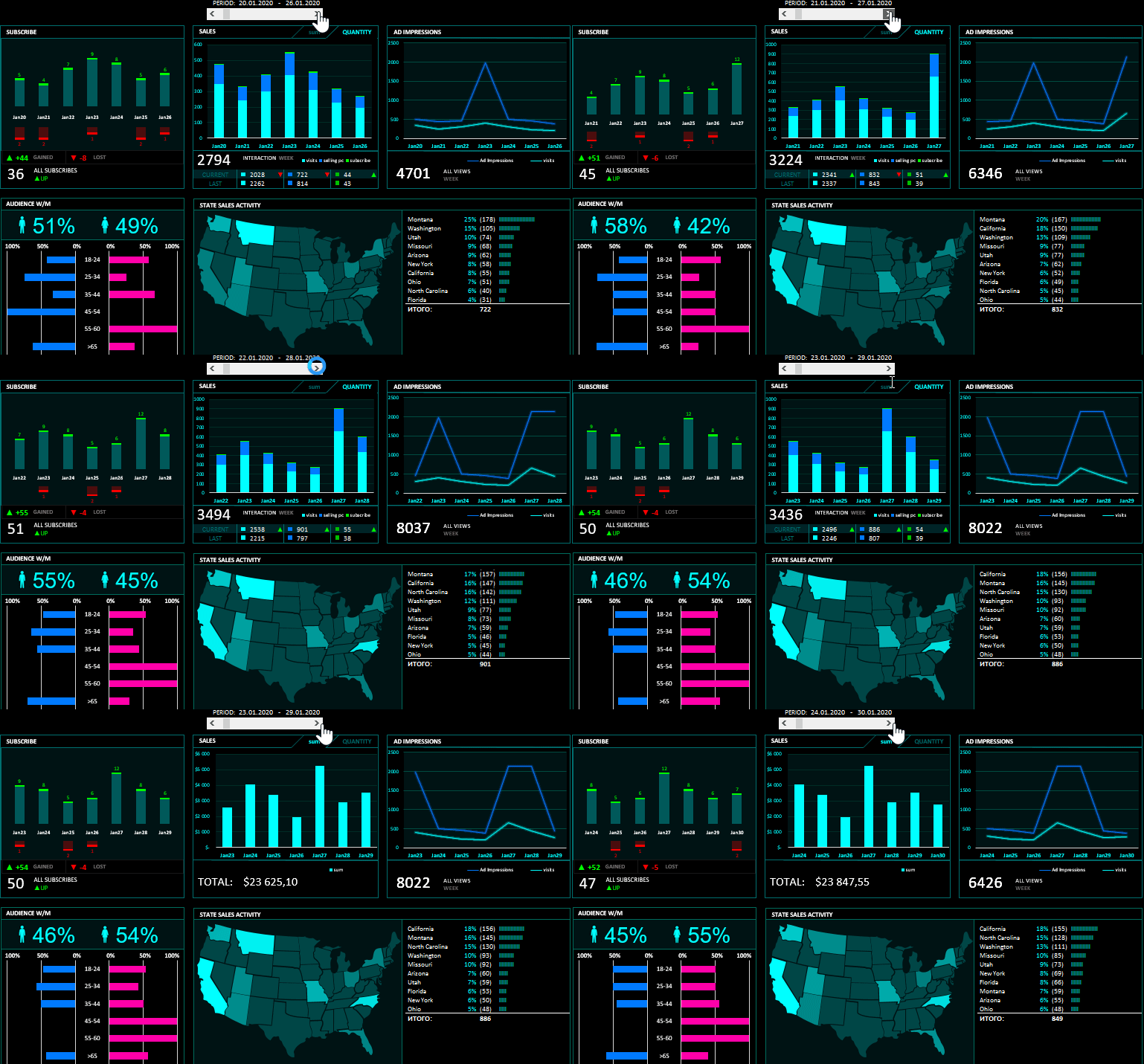
Sales Data Analysis
Analyze and generate reports from sales data.Use SQL to generate reports such as total sales by product, month, and region from a transactions table.

Library Management System
Manage books and library transactions.Implement SQL queries to track borrowed books, member activity, and overdue items using relational tables.
Student Database
Store and query student information.Write SQL queries to retrieve student performance and course enrollment details using structured schemas.
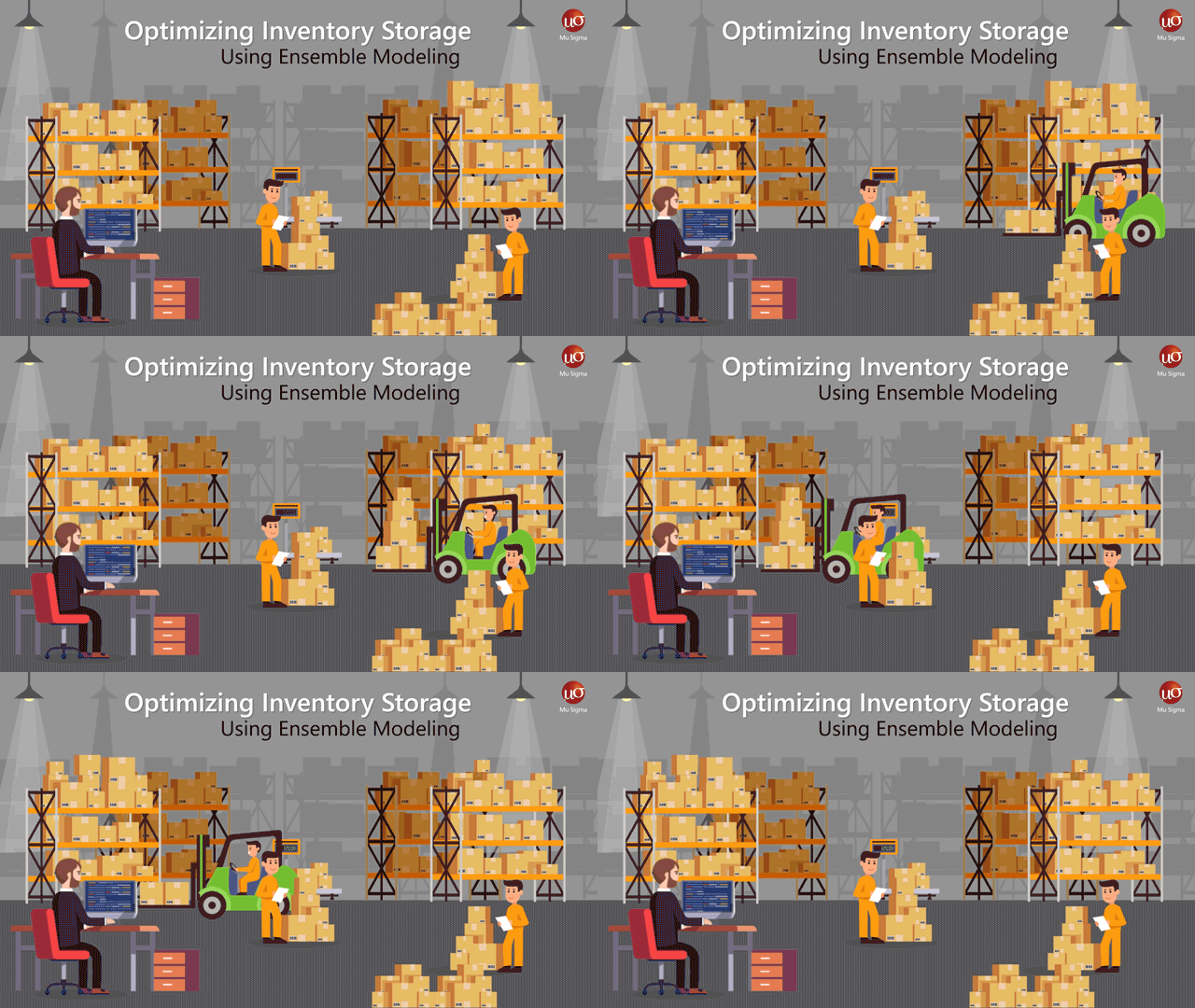
Inventory Management System
Track and manage inventory levels.Use SQL to monitor stock levels, manage reorders, and generate inventory performance reports.
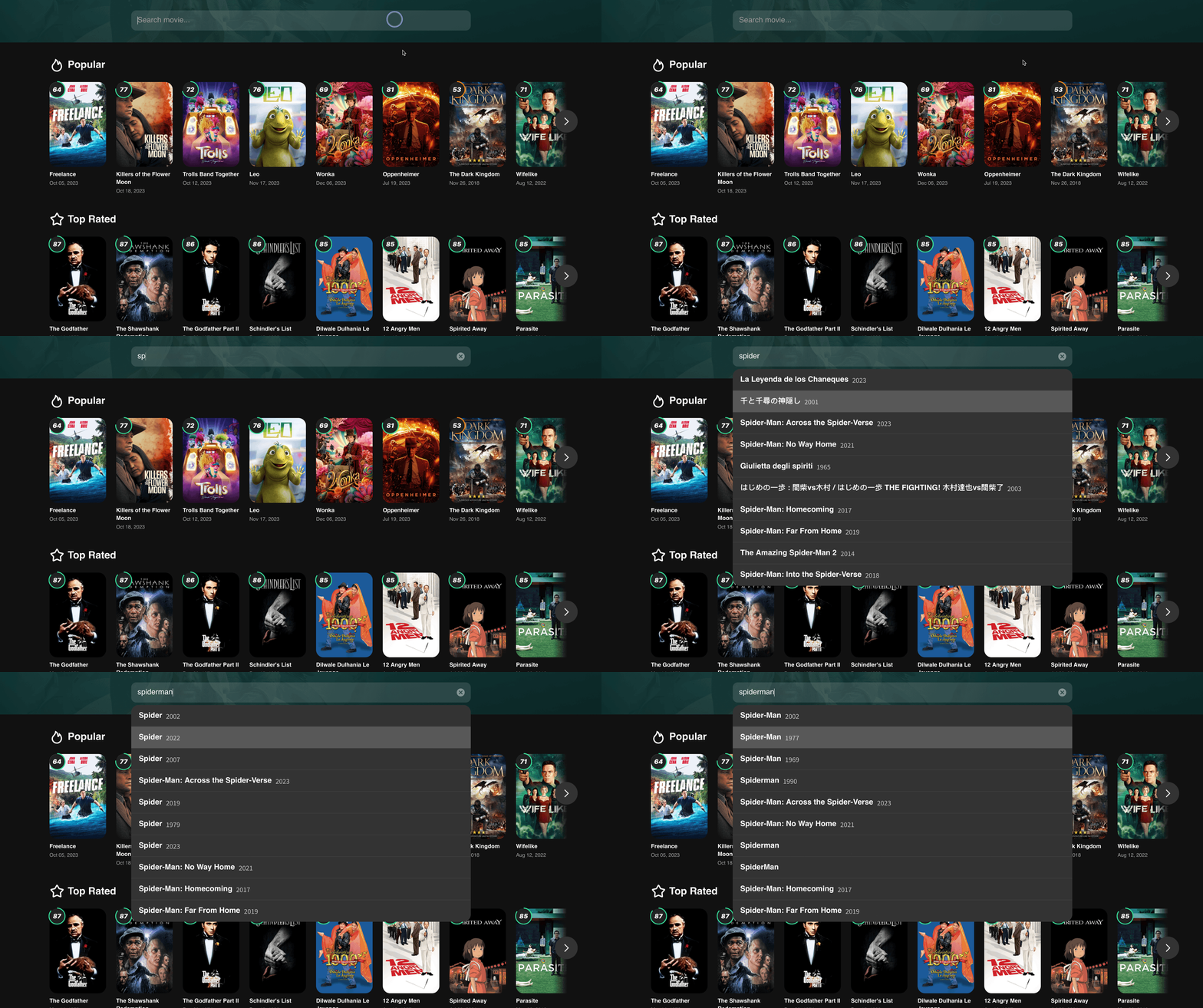
Movie Database
Store and retrieve information about movies.Use SQL queries to search movies by genre, rating, and release year from a normalized movie table.