Build Stunning Websites with WordPress!
Join our practical WordPress course and learn to create fully functional, professional websites—no coding experience required.

Master WordPress in 2025: Create Sites for Business, Blogs, or Clients
WordPress powers over 40% of the web. Learn how to build, customize, and manage websites with themes, plugins, and page builders—perfect for freelancers, entrepreneurs, and hobbyists.
-
Beginner-Friendly
No coding needed—use drag-and-drop builders and pre-designed templates to get started fast.
-
Fully Customizable
Design any kind of site: blogs, portfolios, ecommerce shops, and business pages.
-
Career-Boosting Skills
Build real websites for clients or your own business, and get a certificate upon completion.

Build Real Websites with WordPress
Gain hands-on experience by creating live websites for blogs, small businesses, and online stores using WordPress tools.
- Use Elementor, Gutenberg, and other page builders
- Learn to install themes, customize layouts, and add plugins
- Get certified and start your freelance journey

No Web Experience? No Problem!
This course is built for beginners. From setting up your first website to launching it live, we guide you every step of the way.
- Step-by-step tutorials for setup and design
- Practice with real hosting and domain environments
- Learn SEO basics and how to optimize site performance
Course Syllabus Overview
This is a brief overview of the syllabus. For more detailed information on each topic, please download the full syllabus.
Download Full SyllabusModule 1: Introduction to WordPress
1.1: What is WordPress
Understand the basics and benefits of WordPress as a CMS.
1.2: WordPress.com vs WordPress.org
Learn the differences and choose the right platform.
1.3: Setting Up Hosting & Domain
Steps to purchase a domain and set up web hosting.
Module 2: Installing & Configuring WordPress
2.1: One-Click Installation
Install WordPress on your hosting easily.
2.2: Dashboard Overview
Navigate the WordPress admin panel and settings.
2.3: User Management
Add and manage users with different roles and permissions.
Module 3: Themes & Customization
3.1: Installing Themes
Browse, install, and activate free and premium themes.
3.2: Customizing Appearance
Use the Customizer to change colors, fonts, and layouts.
3.3: Creating Menus & Widgets
Set up navigation menus and add widgets to sidebars and footers.
Module 4: Creating & Managing Content
4.1: Posts vs Pages
Understand the difference and when to use each.
4.2: Adding Media
Upload and manage images, videos, and other media files.
4.3: Using Categories & Tags
Organize content for better navigation and SEO.
Module 5: Plugins & Site Enhancements
5.1: Installing Plugins
Find, install, and activate essential plugins.
5.2: SEO & Security Plugins
Set up plugins for search engine optimization and website security.
5.3: Contact Forms & Integrations
Add forms and integrate with email or CRM tools.
Module 6: Website Maintenance & Launch
6.1: Backup & Restore
Set up regular backups and learn how to restore your site.
6.2: Updates & Troubleshooting
Keep WordPress, themes, and plugins updated and fix common issues.
6.3: Launching Your Website
Final pre-launch checklist and making your site live.
Learning Support & Career Services
Enhance your learning with real-time help, regular assessments, and expert career guidance.

Live Doubt-Solving Sessions
Attend live Q&A and mentoring sessions to clarify your doubts in real time.

Assignments & Weekly Tests
Regular assessments to track your progress and reinforce learning.

Interview & Career Preparation
Personalized mock interviews, coding interview practice, and resume-building tips.
💥 Limited-Time Discounts on Tech Courses!
Grab your spot and save big on the skills that matter.
🎓 School Student Deal – 30% OFF
Get 30% off beginner-friendly coding, web, and STEM courses! Start your tech journey today.
Get Offer🏫 College Exclusive – 25% OFF
Advance your tech skills with 25% off specialized software and data courses built for college students.
Claim Deal👥 Group Deal – Save up to 40%
Join with 3+ friends and unlock up to 40% in savings! Study together, succeed together.
Join Now⚡ Flash Sale – 50% OFF (24 Hrs!)
Enjoy a massive 50% off any course for the next 24 hours. Don’t miss out!
Special offerWordPress Interview Questions
Prepare for your next web development or content management interview with focused WordPress questions, covering topics from installation to customization and site maintenance.
1.1 What are the major differences between WordPress.com and WordPress.org?
1.2 Why is WordPress considered a powerful content management system (CMS)?
1.3 What are the advantages of using WordPress for personal vs. business websites?
1.4 What are the essential steps in purchasing and setting up a domain and hosting for WordPress?
1.5 How does WordPress compare with other CMS platforms like Wix or Squarespace?
2.1 What is one-click installation, and why is it useful for beginners?
2.2 What are the primary components of the WordPress dashboard?
2.3 What are user roles in WordPress, and how do they help in access control?
2.4 How do you configure general settings like site title, timezone, and permalink structure?
2.5 What common mistakes should be avoided while configuring a new WordPress site?
3.1 What factors should you consider when choosing a WordPress theme?
3.2 How do themes affect website design and functionality?
3.3 How can you customize themes without losing changes during updates?
3.4 What is the purpose of widgets, and where can they be placed?
3.5 How do navigation menus enhance user experience?
4.1 What is the difference between a post and a page in WordPress?
4.2 How do categories and tags help with organizing content and SEO?
4.3 How do you insert and manage images, videos, and media in posts?
4.4 What are some best practices for writing SEO-friendly blog posts in WordPress?
4.5 How does the Gutenberg block editor differ from the classic editor?
5.1 What are plugins, and how do they extend WordPress functionality?
5.2 What are some essential plugins for SEO, security, and performance?
5.3 How do you evaluate the safety and reliability of a plugin before installation?
5.4 How do contact form plugins integrate with email or CRM systems?
5.5 What’s the impact of too many plugins on website performance?
6.1 What should be included in a website pre-launch checklist?
6.2 How do you back up and restore a WordPress site?
6.3 What are the risks of not updating WordPress, themes, and plugins regularly?
6.4 How can you monitor your site for performance and downtime?
6.5 How do you make a WordPress website live after development?
WordPress Project Ideas
A collection of creative and business-relevant WordPress projects to help you apply your skills in design, branding, and visual storytelling.
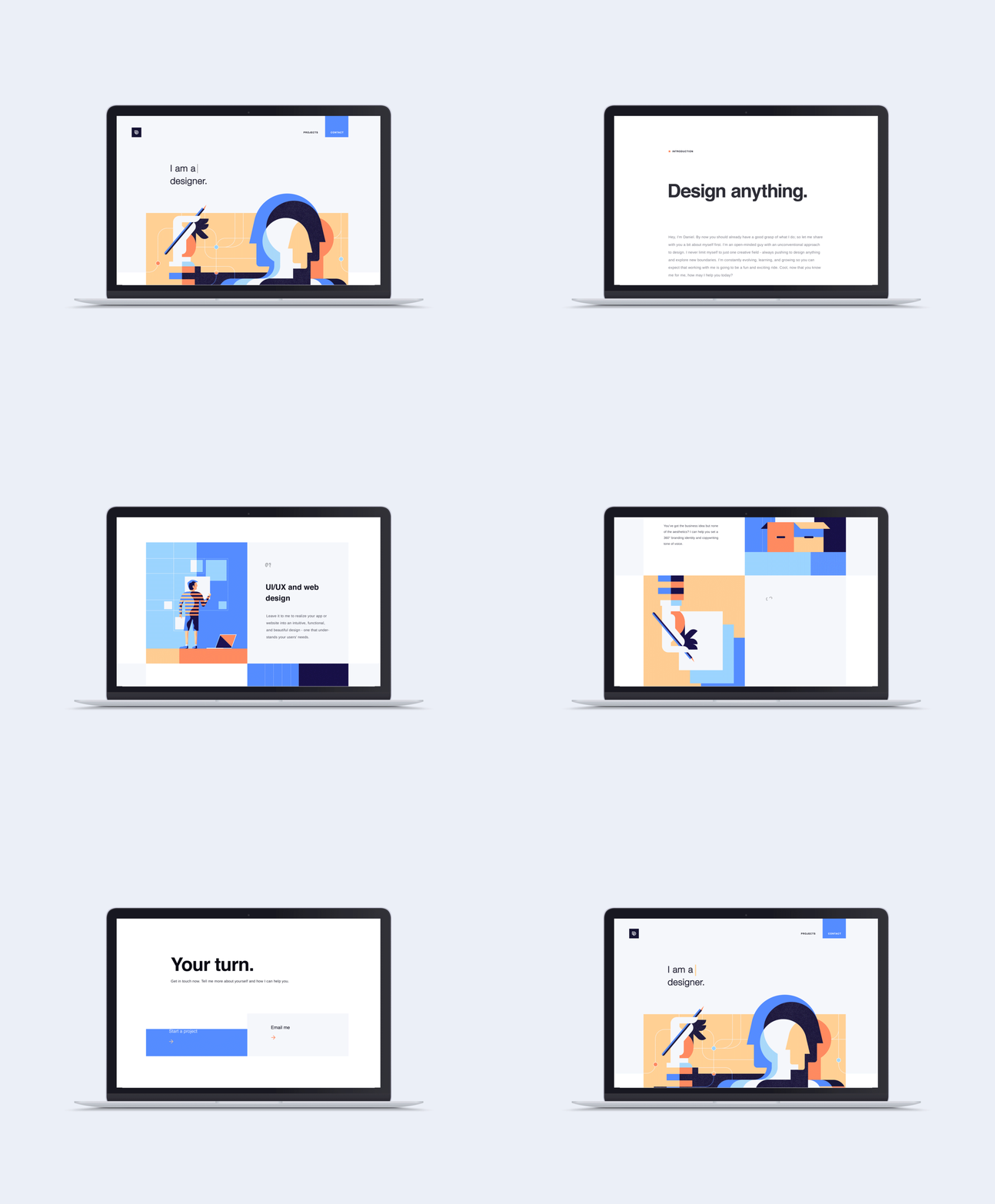
Personal Blog Website
Share Your Voice – A Customizable Platform for Stories, Ideas, and InteractionCreate a fully functional personal blog with custom menus, categories, and a contact form.
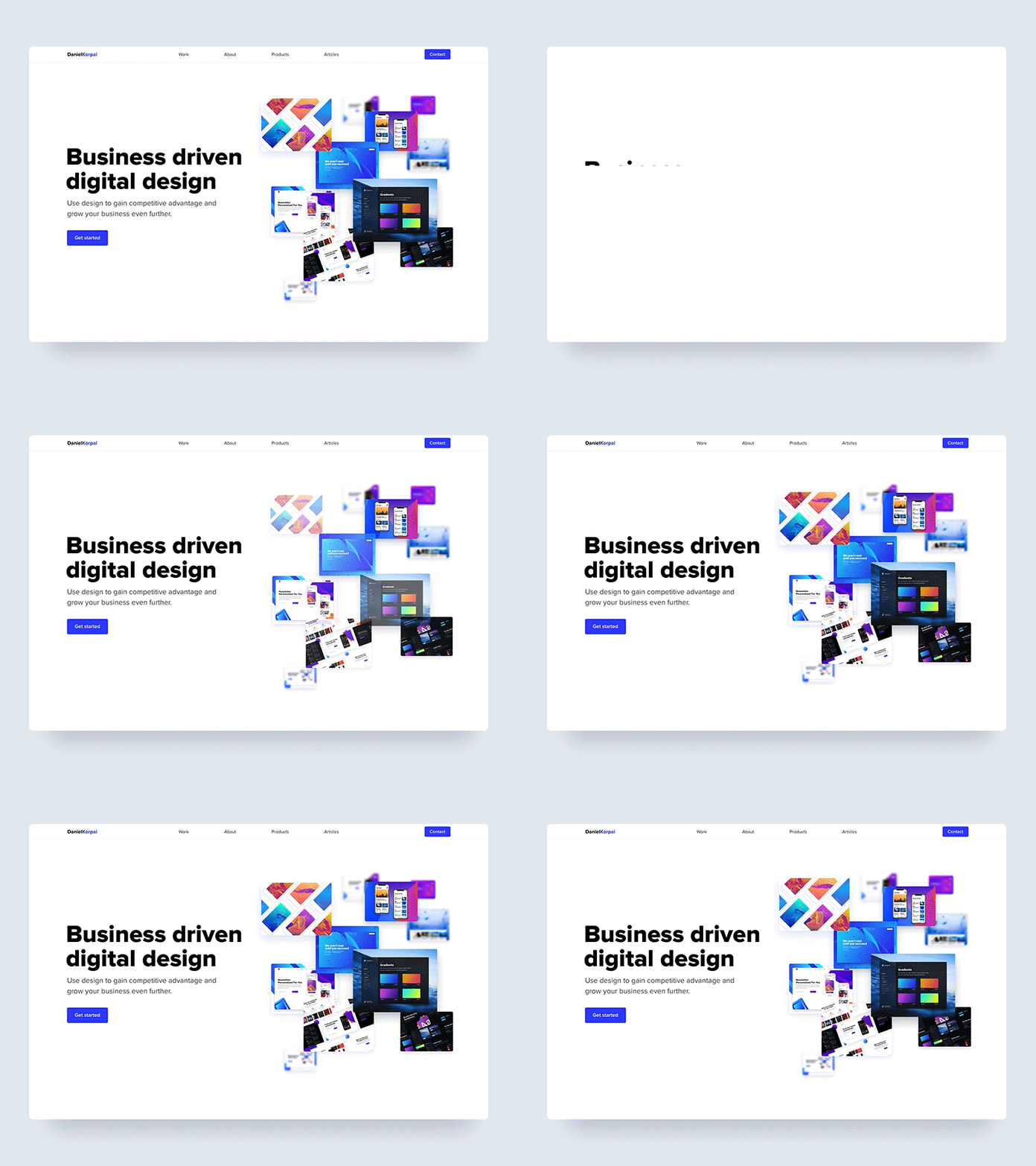
Business Portfolio Site
Showcase Your Work – A Professional Online Presence with Projects and TestimonialsBuild a portfolio site for a business or freelancer, showcasing projects and integrating a testimonial section.
Event Landing Page
Promote Your Event – A Sleek, Single-Page Site with Registration and Key DetailsDesign and launch a single-page event website with registration form and event details.