

Master Zoho Books: Simplify Your Accounting and Grow Your Career!
Learn how to manage finances, automate invoicing, and streamline accounting processes with Zoho Books. Perfect for business owners and accounting professionals.

Why Learn Zoho Books with Us?
Our Zoho Books course is ideal for entrepreneurs, accountants, and business owners who want to automate financial management, ensure compliance, and get clear insights into their business health. Master real-world skills for today's digital accounting needs.
-
Beginner-Friendly
Start from the basics and quickly learn how to manage accounts, bills, and inventory with Zoho Books.
-
Practical Training
Hands-on practice with setting up financial reports, automating workflows, and maintaining records for businesses.
-
Career-Ready Skills
Gain practical accounting and finance skills that are essential for bookkeeping, audit preparation, and business advisory roles.
Comprehensive Zoho Books Training
Learn how to manage every aspect of your business finances with Zoho Books—from invoicing and payments to reporting and tax compliance. Perfect for small to medium businesses and accounting freelancers.
- Understand the Zoho Books dashboard and navigation essentials.
- Create and manage invoices, estimates, expenses, and recurring transactions effortlessly.
- Master financial reporting, GST compliance (if applicable), and audit preparation.

No Accounting Background? No Problem!
This course is designed even for complete beginners with no prior accounting knowledge. You'll learn step-by-step how to organize and automate your financial operations using Zoho Books.
- Generate professional invoices and manage client payments
- Track expenses, manage vendors, and automate purchase orders
- Reconcile bank statements and maintain audit-ready books
- Create financial reports for smarter business decisions
Course Syllabus Overview
This is a brief overview of the syllabus. For more detailed information on each topic, please download the full syllabus.
Download Full SyllabusDay 1: Introduction to Zoho Books
• Overview of Zoho ecosystem
• Introduction to Zoho Books
• Dashboard walkthrough
• Account setup & organization profile
• Basic settings (currencies, tax settings, etc.)
Day 2: Chart of Accounts & Opening Balances
• Understanding Chart of Accounts
• Creating, editing, and managing accounts
• Importing opening balances
• Managing journals
Day 3: Contacts Management
• Creating customers and vendors
• Contact persons, customer categories
• Import/export contacts
• Customer statements
Day 4: Sales Module - Estimates & Invoices
• Creating estimates and sales orders
• Creating invoices
• Recurring invoices
• Custom invoice templates
Day 5: Sales Payments & Credit Notes
• Recording customer payments
• Handling partial payments
• Creating and applying credit notes
• Sales returns process
Day 6: Purchases - Bills & Expenses
• Creating and managing bills
• Recording expenses and recurring expenses
• Purchase orders
• Vendor credits
Day 7: Banking Module
• Bank feeds setup
• Reconciling accounts
• Managing bank rules
• Transfers and bank overview
Day 8: Tax Configuration & Filing
• GST/VAT setup
• Tax groups and exemptions
• Recording tax payments
• Tax reports and returns
Day 9: Inventory Management
• Adding items and services
• Item groups and units
• Inventory tracking and stock adjustments
• Reorder levels and reports
Day 10: Time Tracking & Projects
• Creating projects and tasks
• Logging time manually and with timers
• Billing for time
• Project profitability reports
Day 11: Automation & Workflows
• Workflow rules and triggers
• Auto-emails and alerts
• Custom functions overview
• Approval process
Day 12: Reports & Analytics
• Standard financial reports (P&L, Balance Sheet)
• Custom reports
• Scheduling and exporting reports
• KPIs and business insights
Day 13: Integrations
• Integrating with Zoho CRM, Zoho Inventory, Zoho Payroll
• Third-party integrations (Stripe, PayPal, etc.)
• API overview (basic)
Day 14: Mobile App & User Roles
• Zoho Books Mobile App features
• Adding and managing users
• User roles and permissions
• Audit trail and activity logs
Day 15: Q&A, Use Case Scenarios & Certification Prep
• Open Q&A session
• Real-world business scenarios
• Best practices
• Final walkthrough & certification tips (if applicable)
Learning Support & Career Services
Enhance your learning with real-time help, regular assessments, and expert career guidance.

Live Doubt-Solving Sessions
Attend live Q&A and mentoring sessions to clarify your doubts in real time.

Assignments & Weekly Tests
Regular assessments to track your progress and reinforce learning.

Interview & Career Preparation
Personalized mock interviews, coding interview practice, and resume-building tips.
💥 Limited-Time Discounts on Tech Courses!
Grab your spot and save big on the skills that matter.
🎓 School Student Deal – 30% OFF
Get 30% off beginner-friendly coding, web, and STEM courses! Start your tech journey today.
Get Offer🏫 College Exclusive – 25% OFF
Advance your tech skills with 25% off specialized software and data courses built for college students.
Claim Deal👥 Group Deal – Save up to 40%
Join with 3+ friends and unlock up to 40% in savings! Study together, succeed together.
Join Now⚡ Flash Sale – 50% OFF (24 Hrs!)
Enjoy a massive 50% off any course for the next 24 hours. Don’t miss out!
Special offerZoho Books Interview Questions
Comprehensive guide to help you prepare for Zoho Books interviews, covering basic concepts to advanced workflows.
Interview Questions:
1.1: What is Zoho Books and how is it different from other accounting tools?
1.2: What are the core modules available in Zoho Books?
1.3: How do you configure taxes (like GST/VAT) in Zoho Books?
1.4: What’s the difference between a bill and an invoice?
1.5: Can you explain the chart of accounts in Zoho Books?
Interview Questions:
2.1: How do you create and send a sales invoice in Zoho Books?
2.2: What are recurring invoices, and how are they set up?
2.3: Explain the workflow from sales order to payment collection.
2.4: How do you record a vendor bill and make a payment?
2.5: What are credit notes and when should they be used?
Interview Questions:
3.1: How is bank reconciliation handled in Zoho Books?
3.2: Can Zoho Books connect to multiple bank accounts?
3.3: How does auto-matching work in Zoho Books?
3.4: What is the use of bank feeds and how reliable are they?
Interview Questions:
4.1: What types of financial reports can you generate in Zoho Books?
4.2: How do you customize and schedule reports?
4.3: Explain how to analyze cash flow using Zoho Books.
4.4: How do you track project-based income and expenses?
Interview Questions:
5.1: What apps can Zoho Books integrate with?
5.2: How do you automate workflows (e.g., payment reminders)?
5.3: What is Zoho Flow, and how does it work with Zoho Books?
Interview Questions:
6.1: How do you manage multi-currency transactions?
6.2: What is the role of retainer invoices and when should they be used?
6.3: How do you handle advance payments from customers or to vendors?
6.4: Can you explain how inventory is tracked in Zoho Books?
Interview Questions:
7.1: How would you handle a customer who overpaid an invoice?
7.2: A payment was recorded incorrectly — how do you correct it?
7.3: How would you migrate data from another accounting software to Zoho Books?
7.4: How can you set approval workflows for expenses or invoices?
7.5: What would you do if a report doesn’t match expected values?
Financial Management Project Ideas
Explore innovative financial management solutions integrated with Zoho Books.
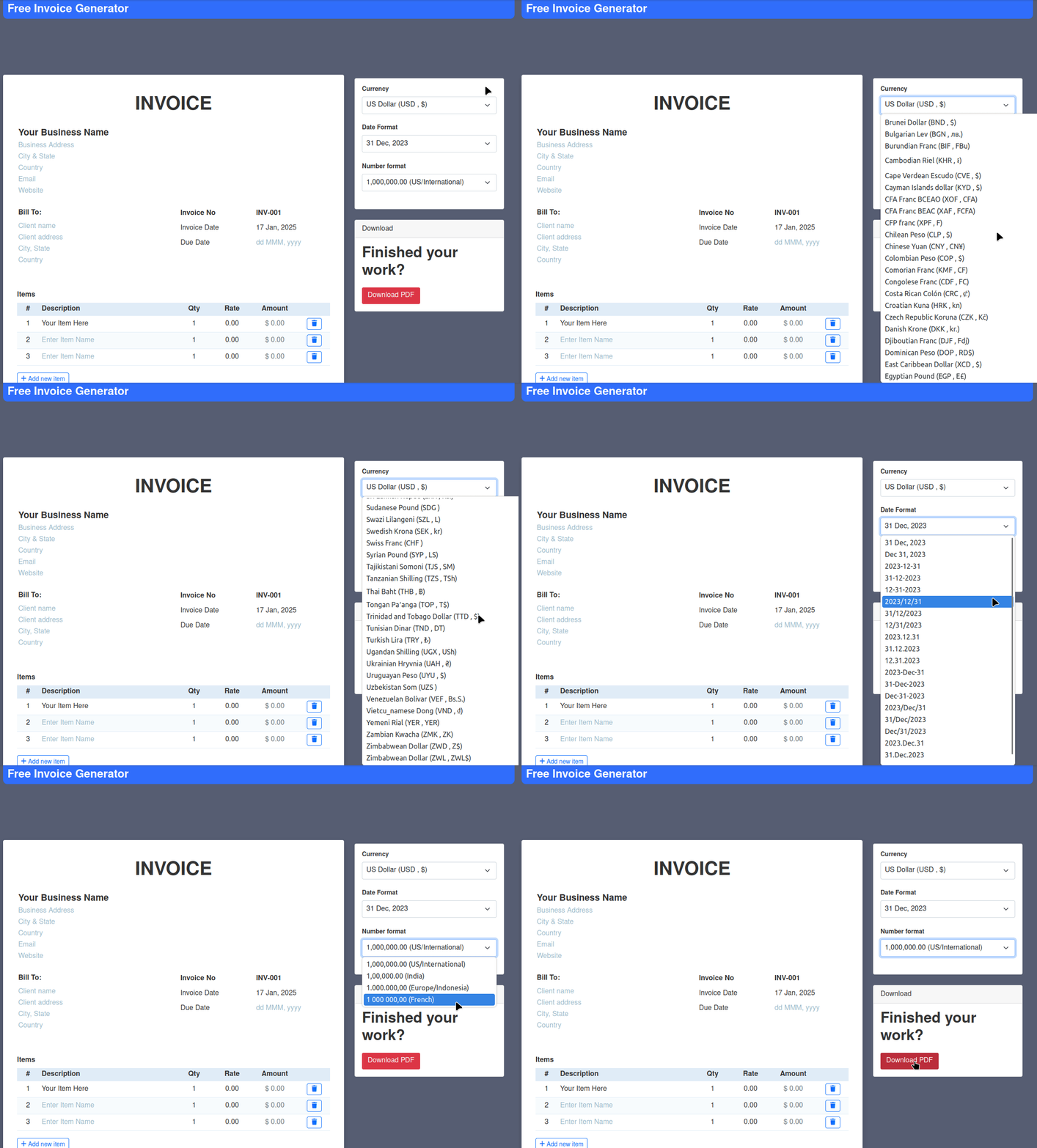
Automated Invoice Generator
Simplify your billing process.Quickly generate and send customized invoices with Zoho Books integration. Set automatic reminders for unpaid invoices to improve cash flow management.
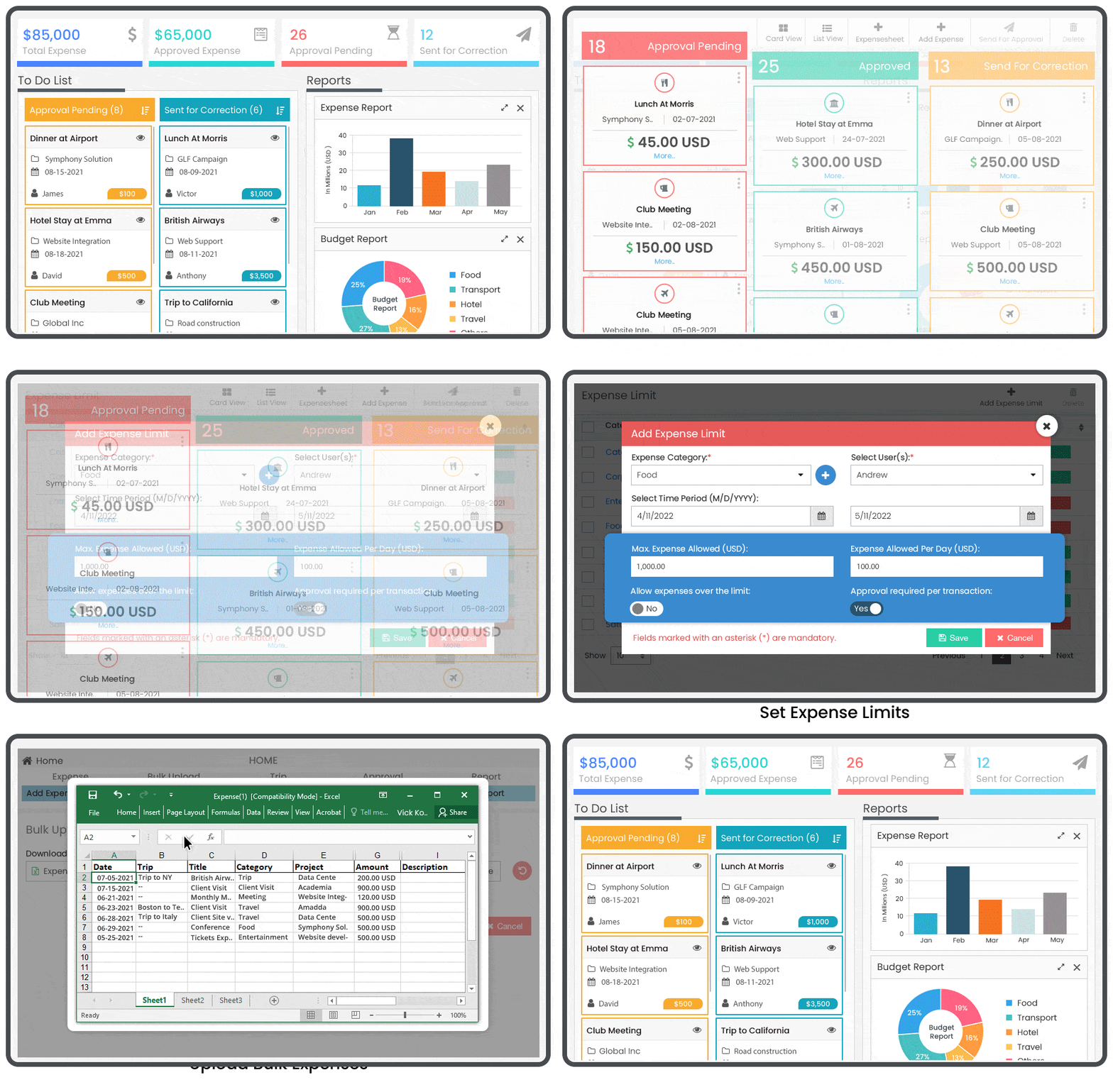
Expense Tracking & Management Tool
Track and control your expenses effortlessly.Capture receipts, categorize expenses, set budgets, and generate reports, all while keeping track of your spending in real-time with Zoho Books.
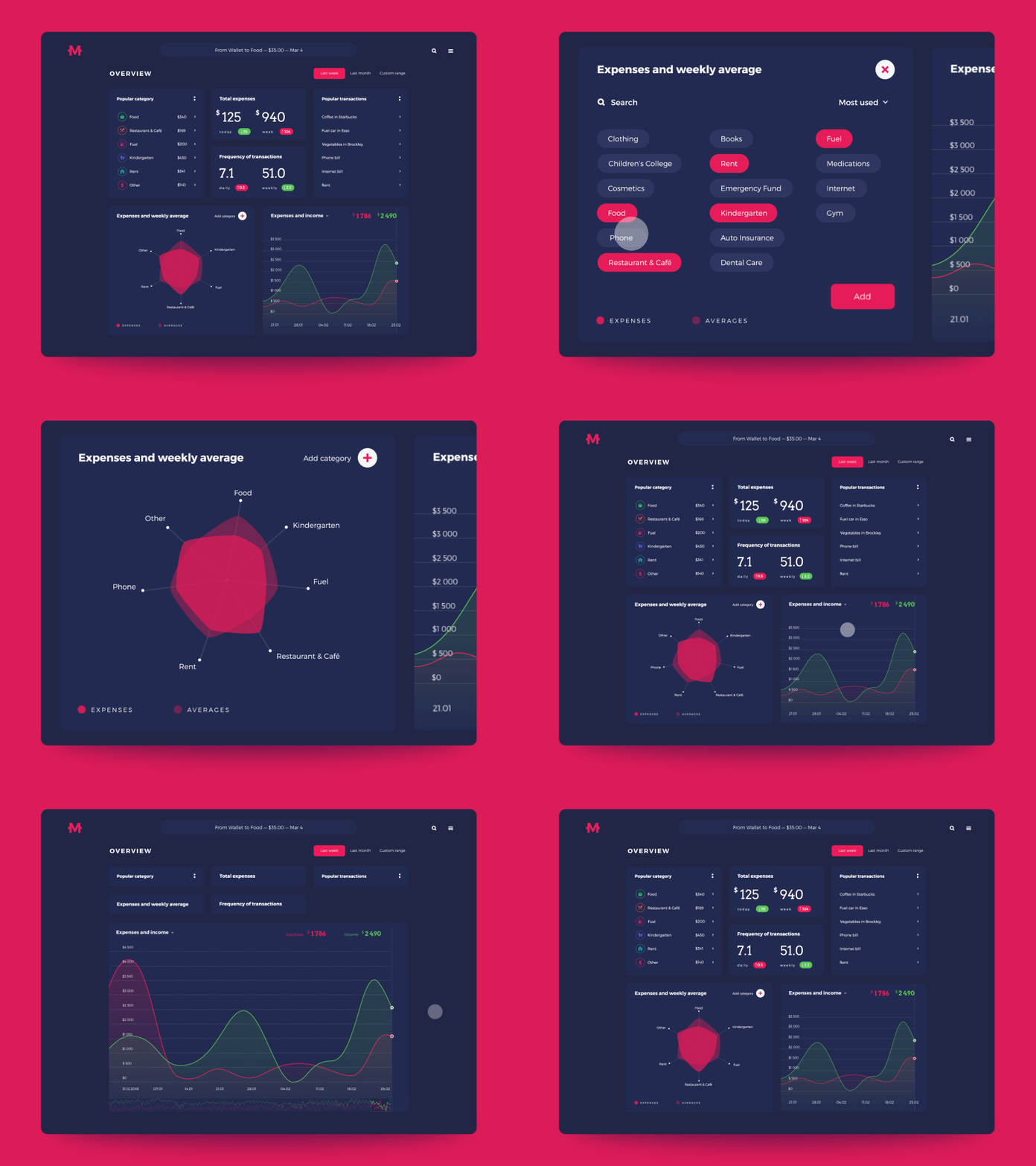
Financial Dashboard App
Monitor key financial metrics in real-time.Get an interactive dashboard that visualizes revenue, profit margins, cash flow, and outstanding receivables, helping with better financial decisions.
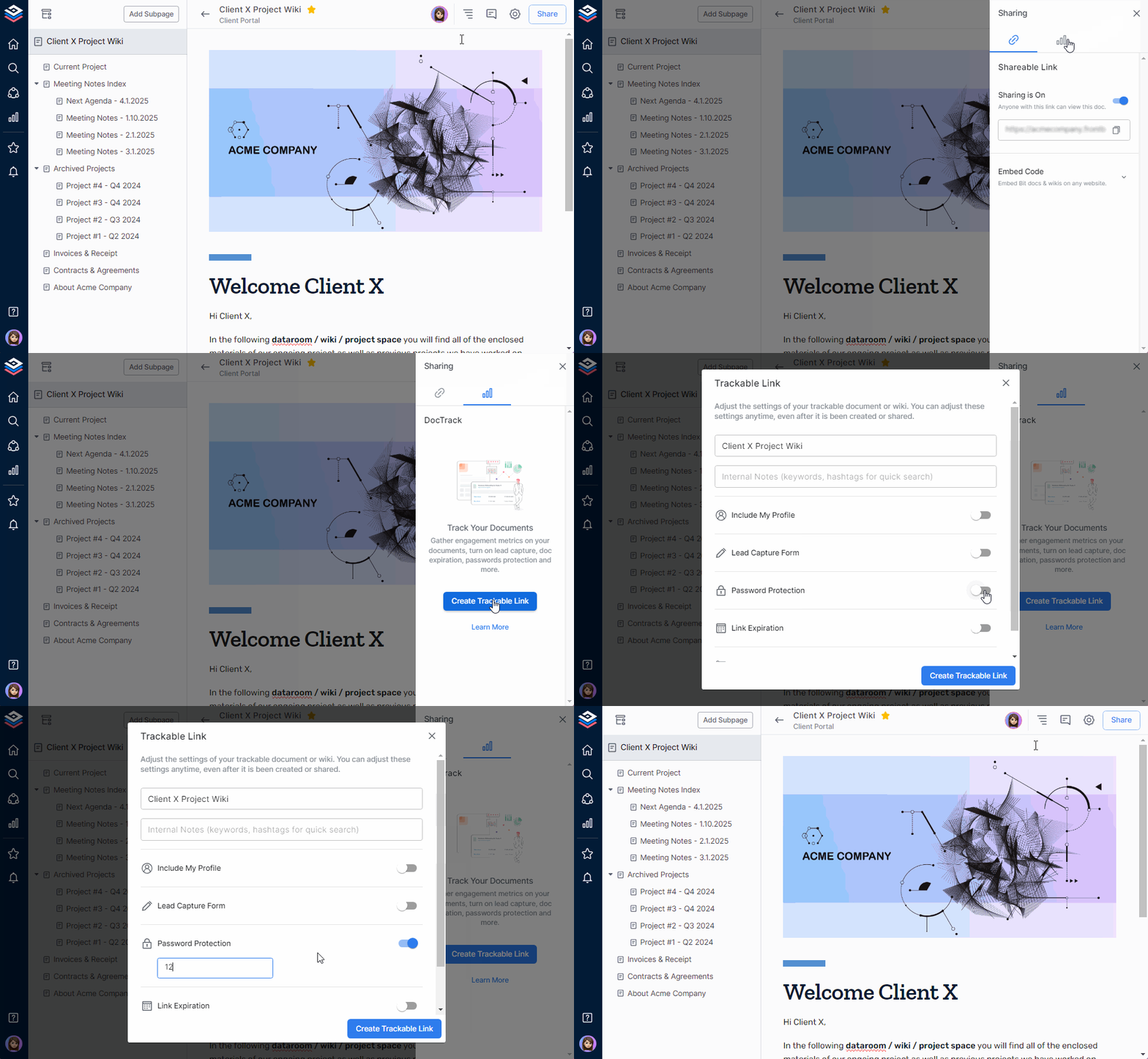
Client Portal for Payments and Document Sharing
Enhance customer convenience.Provide customers with access to invoices, payments, and documents securely through a portal, reducing administrative workload and improving transparency.
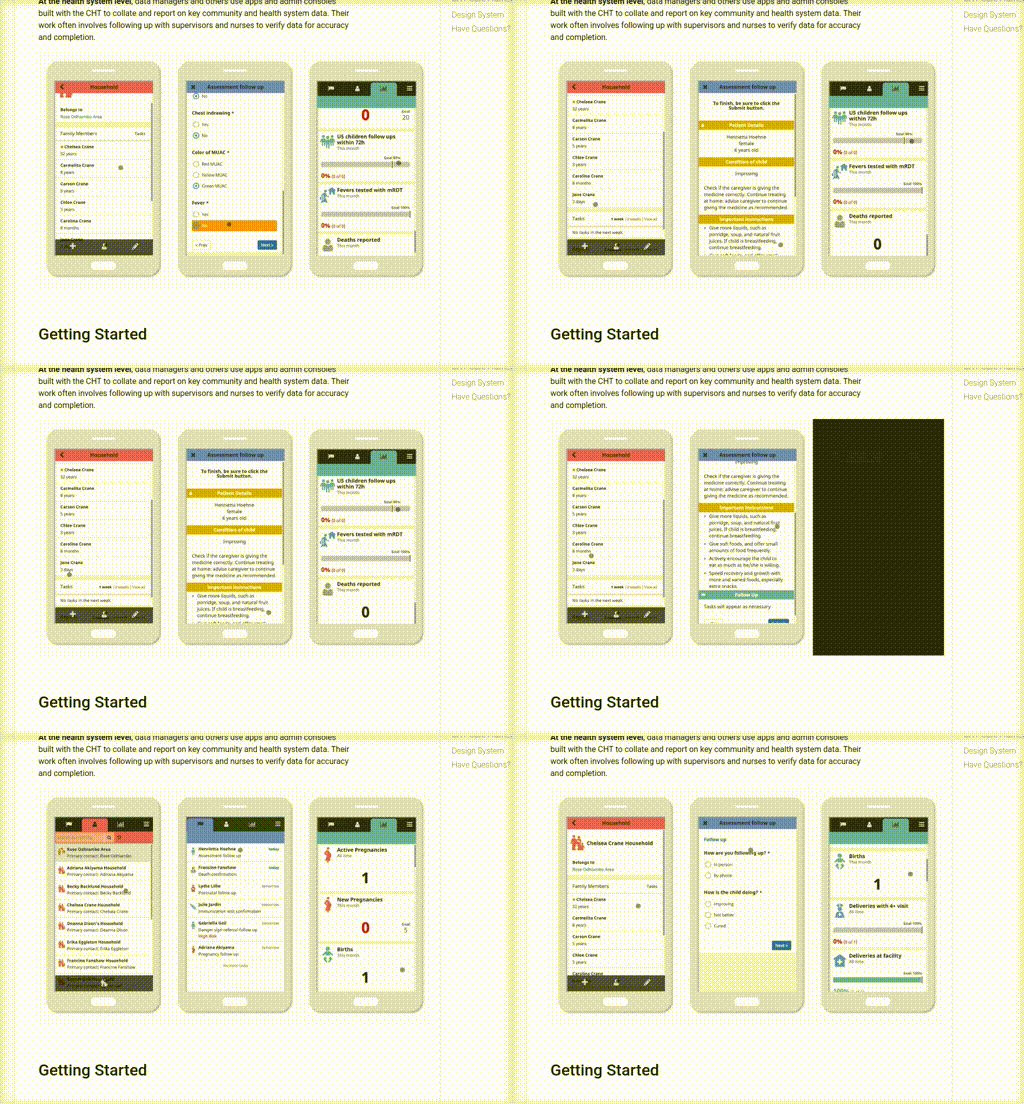
Tax Calculator and Reporting App Systems
Simplify tax compliance and reporting.Automatically calculate taxes, generate reports, and gain insights into liabilities, ensuring accurate and efficient tax preparation.