
Master Zoho CRM: Empower Your Business and Career!
Learn how to streamline sales, marketing, and customer service with Zoho CRM. A course designed for professionals and beginners alike.

Why Learn Zoho CRM with Us?
Our Zoho CRM course is designed for students and professionals who want to take control of their business processes, improve customer relationships, and accelerate sales. Learn practical, real-world CRM skills and become an expert in Zoho CRM.
-
Beginner-Friendly
Start from scratch and learn how to effectively use Zoho CRM in any business environment.
-
Practical Training
Hands-on experience with real CRM tools, workflows, and data management strategies.
-
Career-Ready Skills
Equip yourself with in-demand skills that will help you succeed in CRM-related roles across various industries.
Comprehensive Zoho CRM Training
Gain a deep understanding of Zoho CRM’s features, from managing leads to analyzing customer data. This course will provide you with the tools to streamline business operations.
- Master the Zoho CRM interface and key features for businesses of all sizes.
- Learn to automate repetitive tasks like lead generation, follow-ups, and customer communications.
- Understand data analysis, reporting, and creating customized dashboards for insights and decision-making.

No CRM Experience? No Problem!
This course is designed for beginners with no prior CRM knowledge. We’ll guide you through every step, from setting up your CRM system to building customized workflows.
- Learn to automate customer outreach and follow-ups
- Set up and manage sales pipelines and lead scoring
- Track customer journeys with advanced reporting tools
- Implement multi-channel communication strategies across email, phone, and social media
Course Syllabus Overview
This is a brief overview of the syllabus. For more detailed information on each topic, please download the full syllabus.
Download Full SyllabusDay 1: Introduction to Zoho CRM
• What is CRM and why use it?
• Overview of Zoho CRM features
• Navigating the Zoho CRM interface
• CRM terminology: Leads, Contacts, Deals, etc.
• Setting up your CRM account
Day 2: Organization Settings & Users
• Company information and customization
• Managing users and roles
• Profiles and data sharing rules
• Territory management basics
Day 3: Lead Management
• Lead creation and fields
• Lead capture via forms and email
• Lead assignment rules
• Converting leads to contacts/deals/accounts
Day 4: Contact & Account Management
• Creating and managing contacts
• Account hierarchies and linking
• Contact views, filters, and segmentation
• Notes, tasks, and follow-ups
Day 5: Deal (Opportunity) Management
• Creating and tracking deals
• Sales pipelines and stages
• Forecasting and deal insights
• Customizing deal layouts
Day 6: Activities & Task Management
• Tasks, calls, events, and reminders
• Activity tracking and follow-up automation
• Calendar sync with Google/Outlook
• Recurring tasks and delegation
Day 7: Customization - Modules, Fields, Layouts
• Custom modules creation
• Adding custom fields and sections
• Conditional layouts
• Module arrangement and UI settings
Day 8: Automation - Workflow Rules
• Creating and managing workflows
• Automatic task assignment
• Email notifications and field updates
• Escalation rules
Day 9: Blueprint (Process Automation)
• Introduction to Blueprint
• Designing a sales process
• Transition rules and conditions
• Real-life Blueprint examples
Day 10: Webforms & Lead Capture
• Creating webforms for websites
• Embedding options and styles
• Capturing from social media
• Integration with landing pages
Day 11: Email & Communication Integration
• Email configuration (IMAP/POP)
• Email templates and mass emails
• Email insights and open tracking
• Using SalesInbox effectively
Day 12: Reports & Dashboards
• Standard reports overview
• Custom report creation
• Dashboards setup
• Scheduling and sharing reports
Day 13: Zoho CRM Mobile App
• Navigating the mobile app
• Adding/updating records on mobile
• Location tracking and check-ins
• Offline access features
Day 14: Third-Party Integrations
• Zoho ecosystem integrations (Books, Campaigns, Projects)
• Google Workspace & Office 365
• WhatsApp, Telephony, and Chat integrations
• Marketplace overview
Day 15: Final Review & Real-World Scenarios
• Complete CRM walkthrough
• Real-time use cases and role plays
• Q&A session
• Tips for admin/consultant-level mastery
Learning Support & Career Services
Enhance your learning with real-time help, regular assessments, and expert career guidance.

Live Doubt-Solving Sessions
Attend live Q&A and mentoring sessions to clarify your doubts in real time.

Assignments & Weekly Tests
Regular assessments to track your progress and reinforce learning.

Interview & Career Preparation
Personalized mock interviews, coding interview practice, and resume-building tips.
💥 Limited-Time Discounts on Tech Courses!
Grab your spot and save big on the skills that matter.
🎓 School Student Deal – 30% OFF
Get 30% off beginner-friendly coding, web, and STEM courses! Start your tech journey today.
Get Offer🏫 College Exclusive – 25% OFF
Advance your tech skills with 25% off specialized software and data courses built for college students.
Claim Deal👥 Group Deal – Save up to 40%
Join with 3+ friends and unlock up to 40% in savings! Study together, succeed together.
Join Now⚡ Flash Sale – 50% OFF (24 Hrs!)
Enjoy a massive 50% off any course for the next 24 hours. Don’t miss out!
Special offerZoho CRM Interview Questions
Comprehensive guide to help you prepare for Zoho CRM interviews, from basics to advanced scenarios.
Interview Questions:
1.1: What is Zoho CRM and what are its core features?
1.2: What are Leads, Contacts, Accounts, and Deals in Zoho CRM?
1.3: Explain the concept of modules in Zoho CRM.
1.4: How does Zoho CRM differ from other CRM platforms like Salesforce or HubSpot?
1.5: What is the difference between a Standard and a Custom Module?
Interview Questions:
2.1: How do you customize fields in Zoho CRM?
2.2: What are layouts and how are they used?
2.3: How can you create and use custom views?
2.4: Explain validation rules and field permissions.
2.5: How can you set up picklists and multi-select fields?
Interview Questions:
3.1: What are workflows in Zoho CRM and how do they work?
3.2: What are blueprint processes in Zoho CRM?
3.3: How do you create and use custom functions?
3.4: What is the use of assignment rules?
3.5: How are email alerts and task automation handled?
Interview Questions:
4.1: How do you import and export data in Zoho CRM?
4.2: What are data deduplication tools available in Zoho CRM?
4.3: Explain how data is secured and backed up.
4.4: What is the use of data sharing rules and roles?
4.5: How do profiles and roles differ in CRM?
Interview Questions:
5.1: How do you create a report in Zoho CRM?
5.2: What are the different types of reports available?
5.3: How do dashboards work, and how do you share them?
5.4: Can you schedule reports and alerts?
5.5: What insights can a sales manager get from CRM dashboards?
Interview Questions:
6.1: What Zoho apps can be integrated with Zoho CRM?
6.2: How do you connect Zoho CRM with third-party tools?
6.3: What is Zoho Marketplace and how does it help CRM users?
6.4: Can you integrate Zoho CRM with email services like Outlook or Gmail?
6.5: How can you automate tasks using Zoho Flow or Deluge?
Interview Questions:
7.1: A lead is not converting to a deal — what steps would you take?
7.2: A user complains they can’t see a record they created — how do you troubleshoot?
7.3: You want to track ROI of marketing campaigns — how do you do it in Zoho CRM?
7.4: A sales team needs a 4-step approval process for deals — how would you set it up?
7.5: Describe how you’d onboard a new team into Zoho CRM from scratch.
Practical Tasks:
8.1: Create a workflow rule to send an email when a new lead is added.
8.2: Build a custom report showing deals closed last month by each sales rep.
8.3: Set up a blueprint for a 3-stage sales process: Prospect → Negotiation → Closure.
8.4: Create a custom function to auto-update the "Stage" field based on deal amount.
Project Ideas
Empower your sales and customer engagement processes with these practical CRM-integrated project ideas.
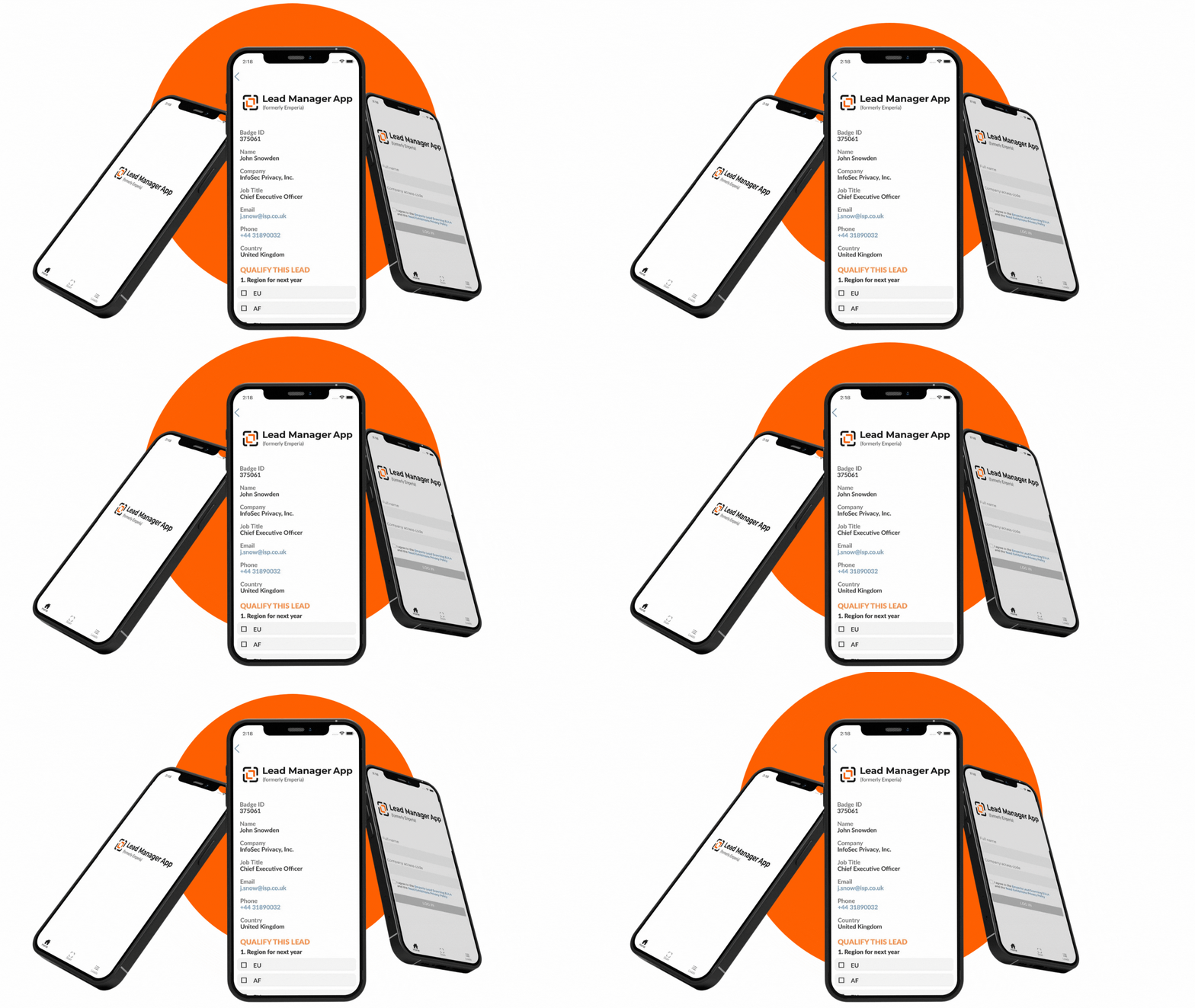
Lead Management and Scoring App
Prioritize and manage leads effectively.Streamline your sales process with a lead management app integrated with Zoho CRM, scoring leads based on engagement and buying signals.
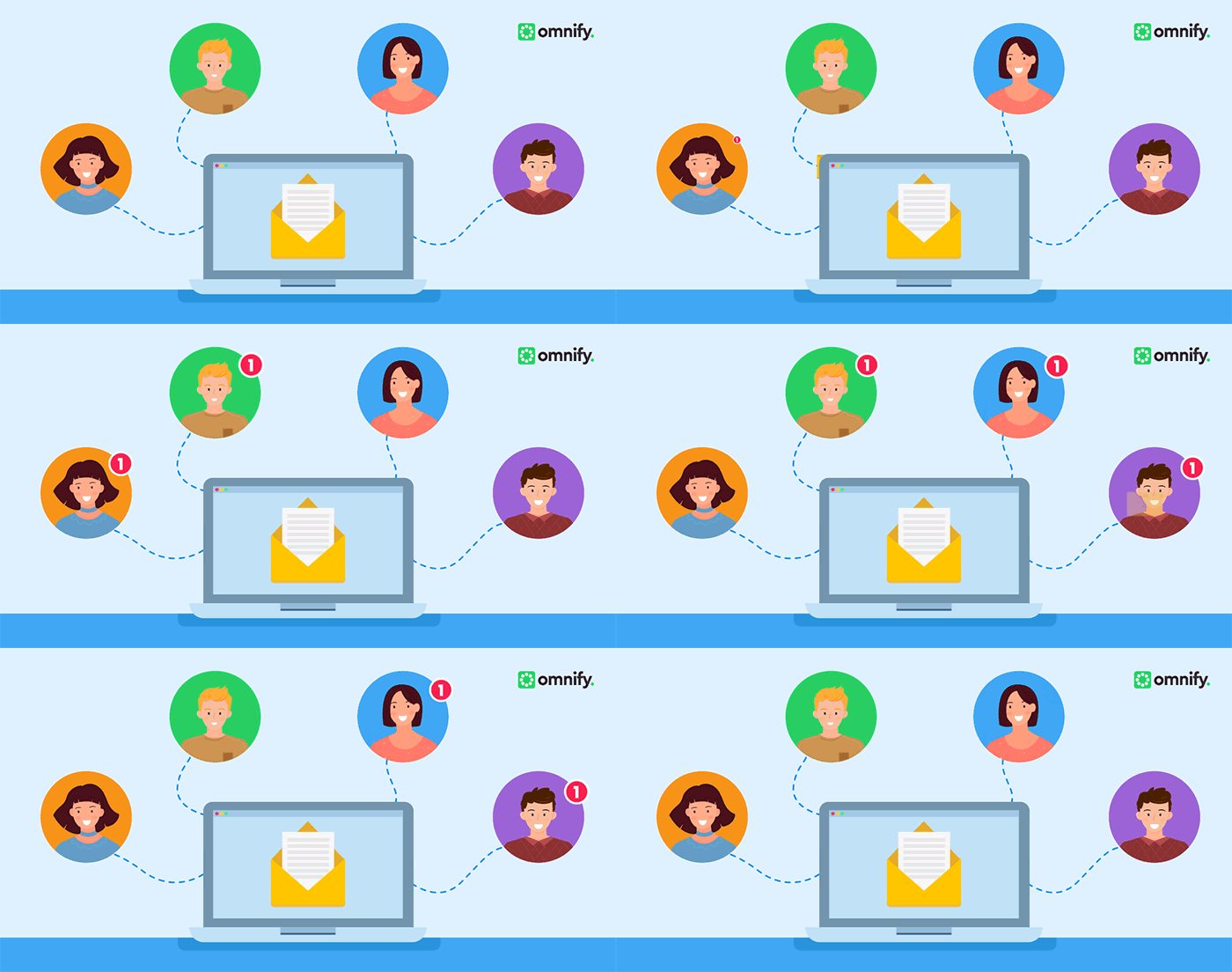
Automated Follow-Up Email Sequencer
Enhance customer engagement with automation.Create automated email sequences triggered by customer actions within Zoho CRM to improve relationship building.

Customer Feedback Collection Tool
Gather actionable customer insights.Implement an automated survey system post-purchase or interaction to collect and analyze customer feedback within Zoho CRM.
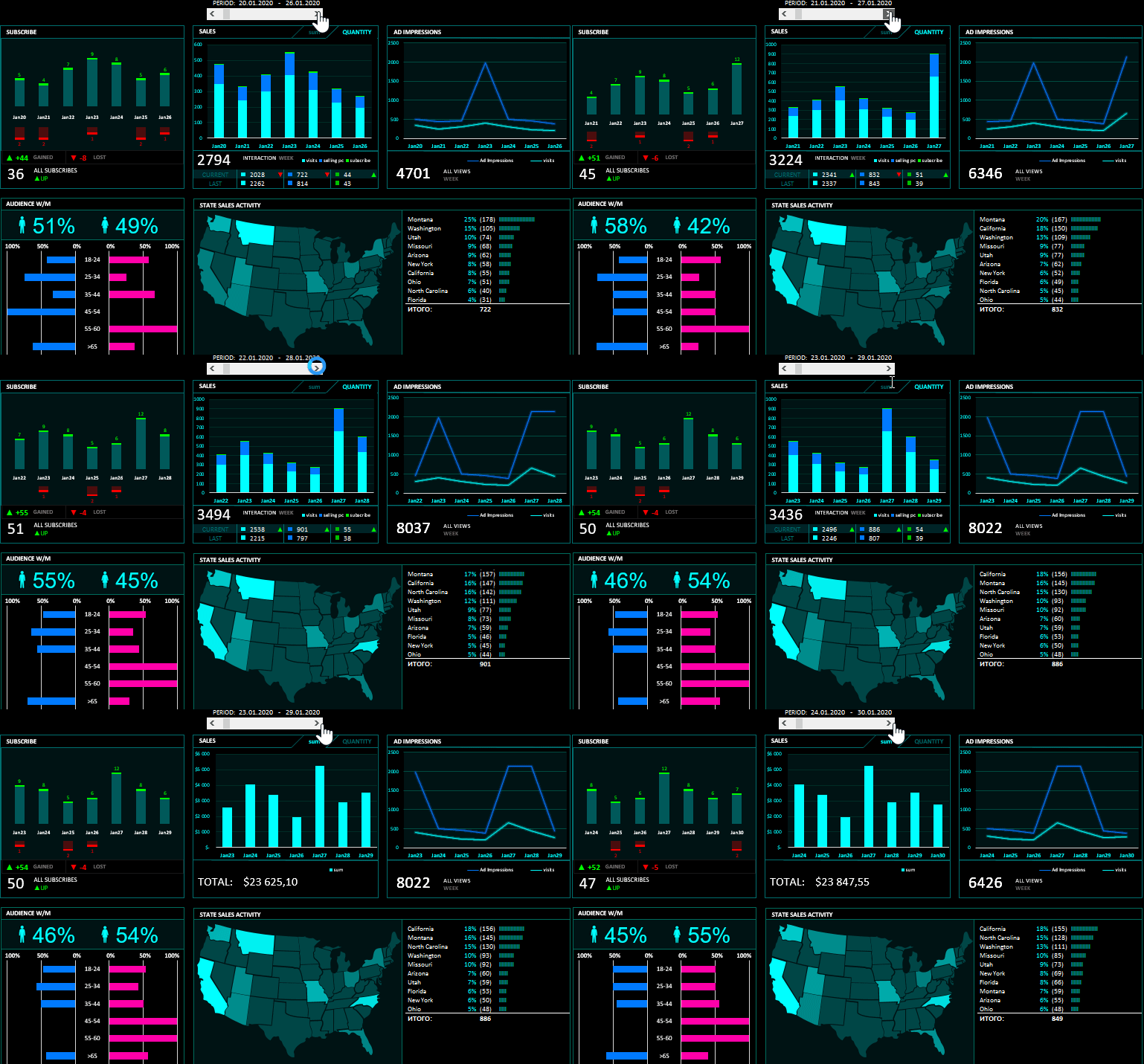
Sales Performance Dashboard
Visualize key sales metrics in real-time.Develop a dashboard pulling data from Zoho CRM to monitor sales trends, team performance, and conversion rates for informed decision-making.
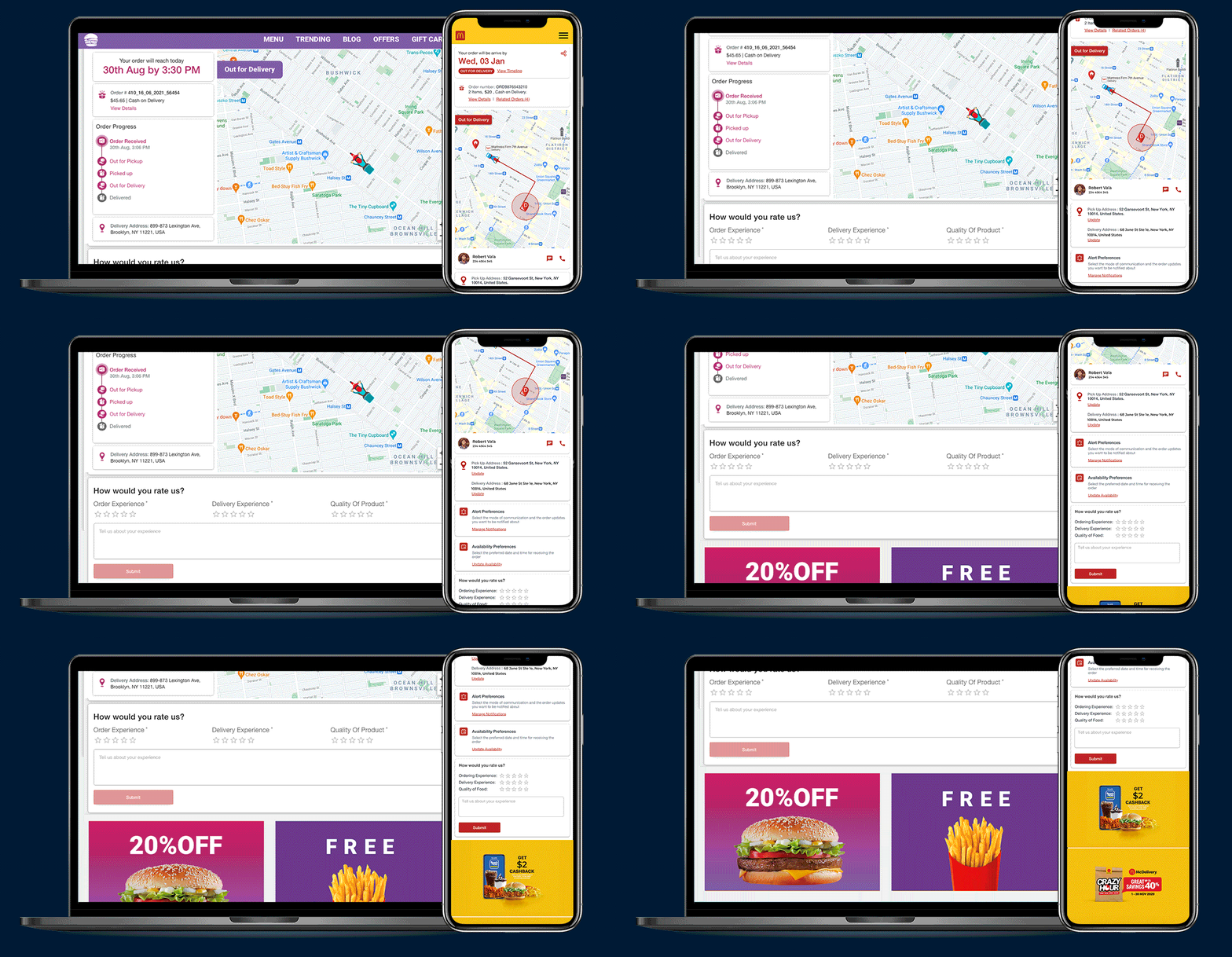
Deal Tracking and Management App
Manage and monitor deal pipelines efficiently.Build an app integrated with Zoho CRM to track deals, set follow-up reminders, and generate custom reports to boost sales productivity and revenue.