

Master Zoho Deluge: Automate Your Business Processes Like a Pro!
Learn how to automate workflows, create custom functions, and integrate Zoho apps using Zoho Deluge scripting. Perfect for developers, IT professionals, and business owners seeking efficiency and automation.

Why Learn Zoho Deluge with Us?
Our Zoho Deluge course is designed for developers, business owners, and IT professionals looking to automate their business workflows. Learn how to write powerful scripts, integrate Zoho applications, and build custom business solutions using Zoho Deluge.
-
Beginner-Friendly
Start from the basics and quickly learn how to create your own workflows and automate business tasks using Zoho Deluge.
-
Practical Training
Hands-on practice with creating Deluge scripts, setting up triggers, and automating processes in real-world scenarios.
-
Career-Ready Skills
Acquire skills in automation, scripting, and system integration, essential for any developer working with Zoho or cloud platforms.

Master Zoho Deluge with Real-World Projects
Unlock the full potential of Zoho applications with Deluge scripting. Learn how to automate tasks, create workflows, and build custom functions across Zoho CRM, Creator, Books, and more.
- Learn core Deluge syntax, data types, and built-in functions
- Build automation scripts for Zoho CRM, Creator, and other Zoho apps
- Create custom functions, workflows, and scheduled tasks

No Coding Background? No Problem!
Deluge is designed to be simple and intuitive. This course starts from the basics and guides you through practical scripting use cases across Zoho's ecosystem—even if you’ve never written a line of code.
- Step-by-step introduction to writing your first Deluge scripts
- Hands-on projects like lead assignment, email triggers, and form validations
- Practice real-world automation scenarios in Zoho CRM and Creator
- Access a supportive community and expert feedback as you learn
Course Syllabus Overview
This is a brief overview of the syllabus. For more detailed information on each topic, please download the full syllabus.
Download Full SyllabusWeek 1: Introduction to Deluge
- Overview of Deluge scripting language and use cases in Zoho products
- Setting up the environment (Zoho Creator, Zoho CRM, etc.)
- Basic syntax and structure
- Variables, data types (strings, numbers, boolean)
- Comments and best practices
Week 2: Operators and Control Structures
- Arithmetic, comparison, and logical operators
- Conditional statements (if, else, switch)
- Looping structures (for, while)
- Working with collections: lists, maps, key-value pairs
- Understanding function definitions and calls
Week 3: Functions and Date Handling
- Built-in functions (string manipulation, math functions)
- Creating custom functions
- Handling date and time in Deluge
- Formatting and manipulating date values
- Review and practice with mini projects
Week 4: Intermediate Deluge Concepts
- Integration with Zoho applications and APIs
- Fetching and modifying records in Zoho apps
- Implementing input forms and validating user inputs
- Functions in reports and workflows: triggers and execution context
- Error handling and debugging techniques
Week 5: Building Workflows and Automation
- Building workflows for automation
- Understanding workflow triggers and execution context
- Building custom workflows for different use cases
- Review and practice with workflow creation
- Refining mini projects with workflows
Week 6: Webhooks and APIs
- Webhooks and their purpose in Deluge
- Sending data to external APIs using Deluge
- Handling API responses
- Integrating Deluge with third-party services
- Review and practice with API integrations
Week 7: Advanced Deluge Applications
- Working with files and attachments in Zoho
- Creating reusable custom functions and libraries
- Advanced date manipulations and scheduling tasks
- Deluge and HTML/CSS integration
- Sending automated emails with Deluge
Week 8: Special Topics and Best Practices
- Implementing complex conditional logic in workflows
- Best practices for writing clean and efficient code
- Optimizing Deluge scripts for performance
- Handling errors and logging issues effectively
- Review and practice with special topics
Week 9: Capstone Project Introduction
- Capstone project guidelines and expectations
- Brainstorming and project planning
- Identifying use cases for Deluge scripting
- Review of learned concepts
- Start working on the capstone project
Week 10: Capstone Project Development
- Apply learned concepts to the capstone project
- Work on refining the functionality of the project
- Incorporate advanced features and optimizations
- Prepare the final project for presentation
- Review and reflect on the entire course experience
Learning Support & Career Services
Enhance your learning with real-time help, regular assessments, and expert career guidance.

Live Doubt-Solving Sessions
Attend live Q&A and mentoring sessions to clarify your doubts in real time.

Assignments & Weekly Tests
Regular assessments to track your progress and reinforce learning.

Interview & Career Preparation
Personalized mock interviews, coding interview practice, and resume-building tips.
💥 Limited-Time Discounts on Tech Courses!
Grab your spot and save big on the skills that matter.
🎓 School Student Deal – 30% OFF
Get 30% off beginner-friendly coding, web, and STEM courses! Start your tech journey today.
Get Offer🏫 College Exclusive – 25% OFF
Advance your tech skills with 25% off specialized software and data courses built for college students.
Claim Deal👥 Group Deal – Save up to 40%
Join with 3+ friends and unlock up to 40% in savings! Study together, succeed together.
Join Now⚡ Flash Sale – 50% OFF (24 Hrs!)
Enjoy a massive 50% off any course for the next 24 hours. Don’t miss out!
Special offerProject Ideas
Explore innovative solutions integrated with Zoho Deluge for automation and workflows.
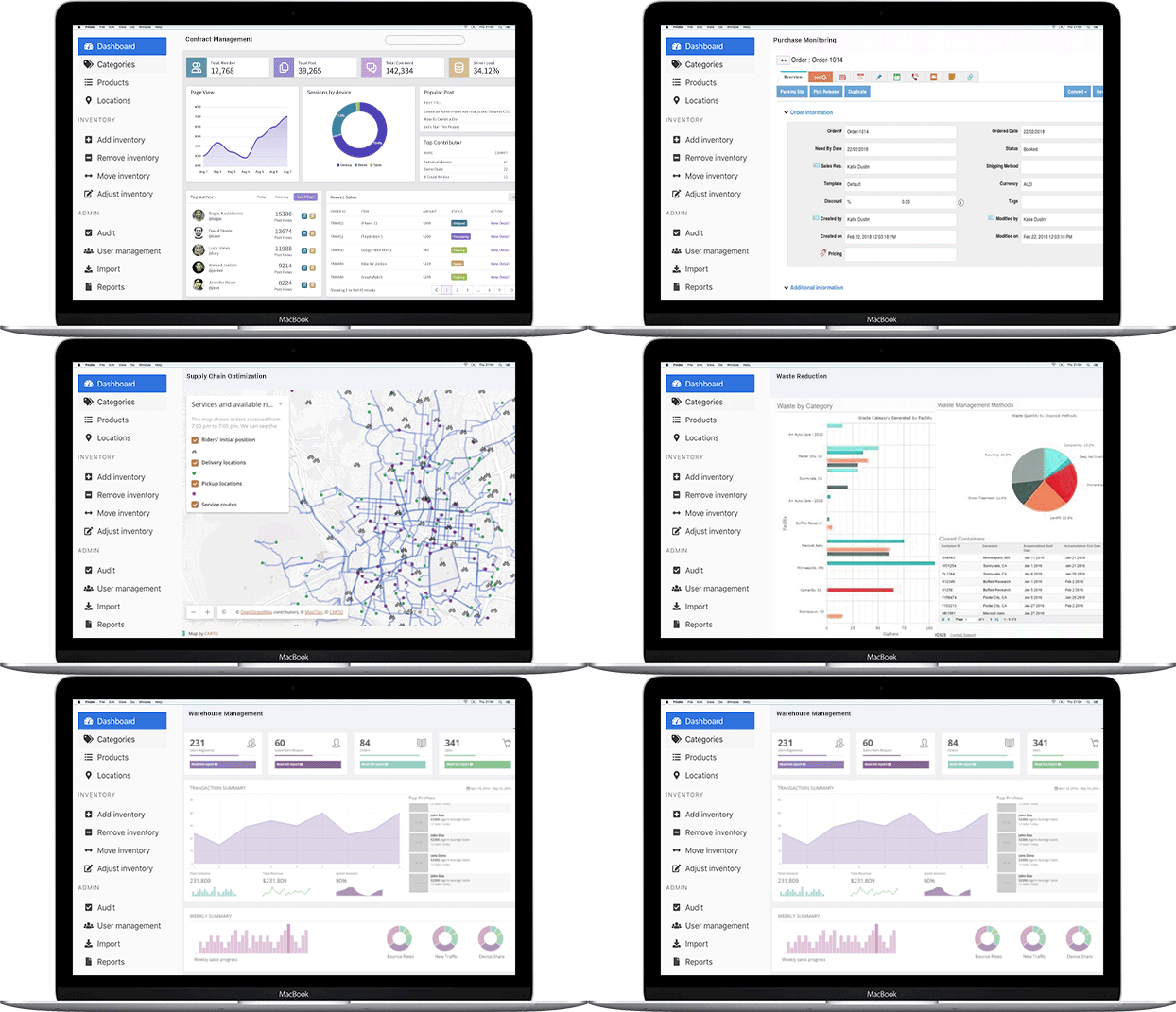
Smart Inventory & Order Management App
Automate stock management and streamline sales with Zoho Deluge.Create a smart inventory app integrated with Zoho Deluge to automate stock management, generate orders, and track shipments. Improve efficiency with real-time alerts, stock insights, and seamless vendor-customer management.
Inventory Reorder Alert App
Never run out of stock—get alerts for low inventory with Zoho Deluge!Build an app that monitors product stock levels through Zoho Deluge and sends automatic alerts (email or WhatsApp) when quantities drop below a defined threshold. Helps businesses restock on time and avoid missed sales opportunities.
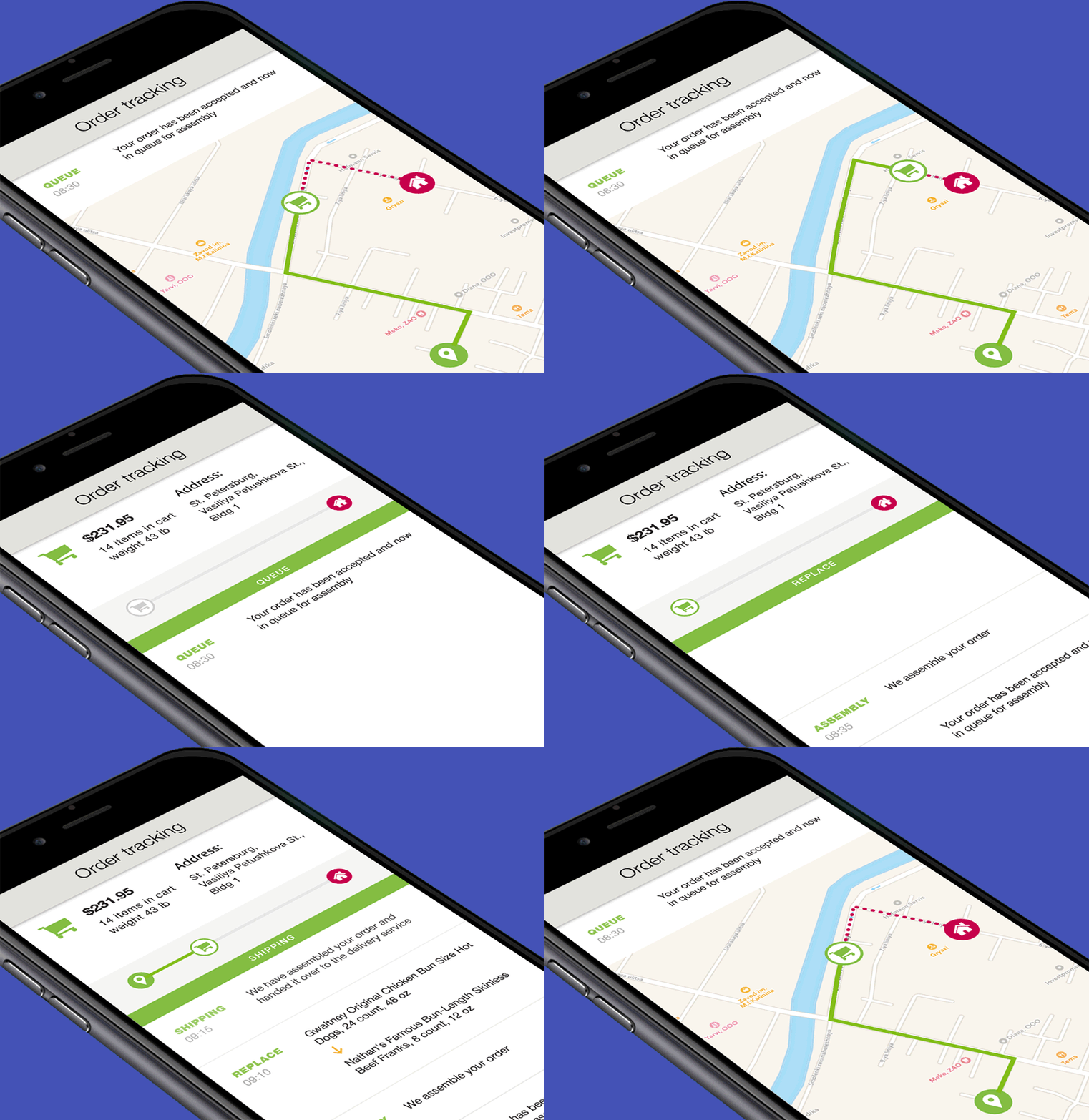
Shipment Tracker App
Track your shipments from order to delivery using Zoho Deluge.Integrate with Zoho Deluge and shipping providers to build a shipment tracking portal. Customers and admins can view the real-time status of shipments, expected delivery dates, and shipping history linked to each sales order.
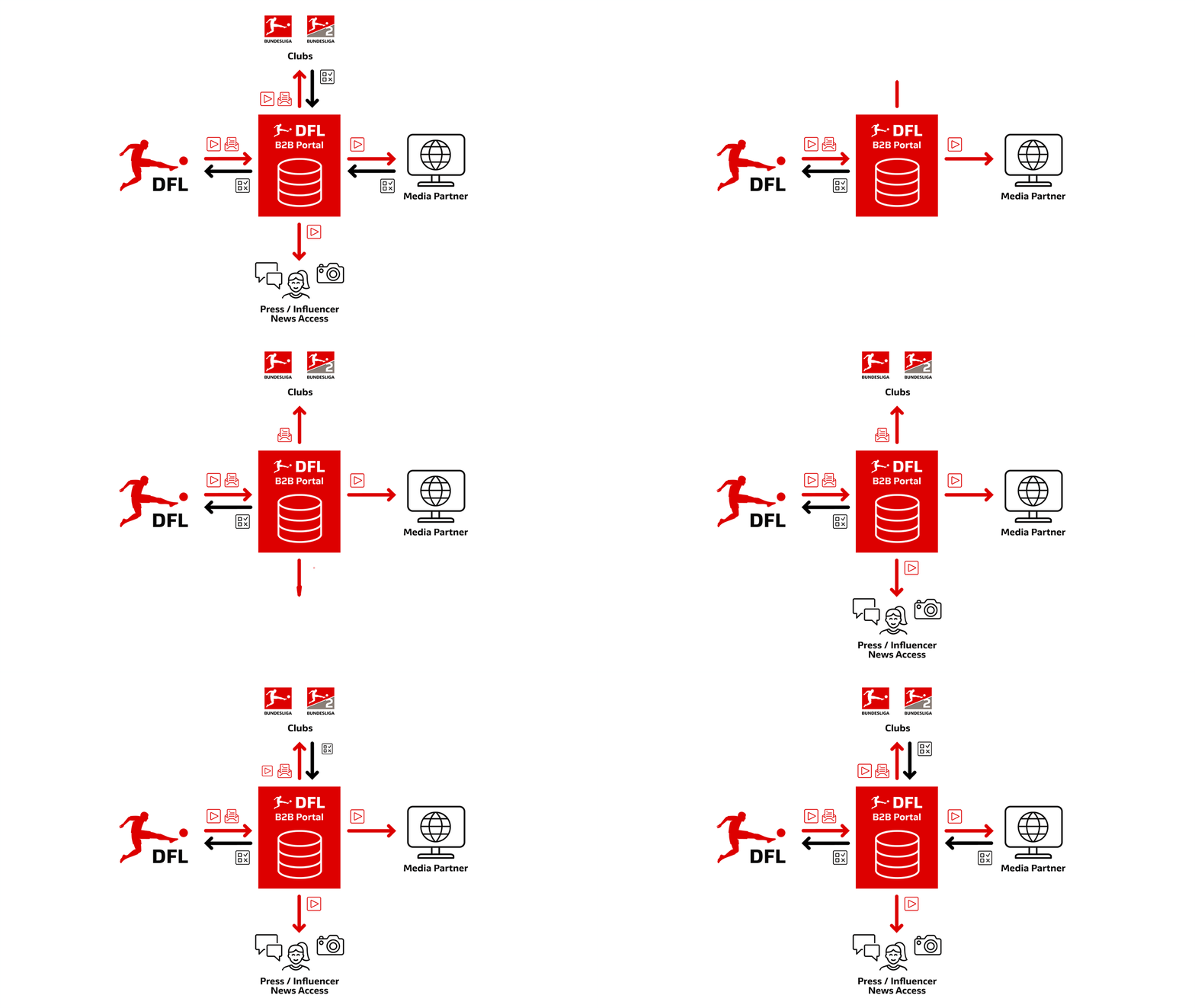
B2B Order Portal
Let your clients place bulk orders directly using Zoho Deluge.Design a web app for wholesale buyers to log in, browse available inventory, and place orders. Orders are synced to Zoho Deluge automatically, and clients can track order status, invoices, and shipment updates in one place.
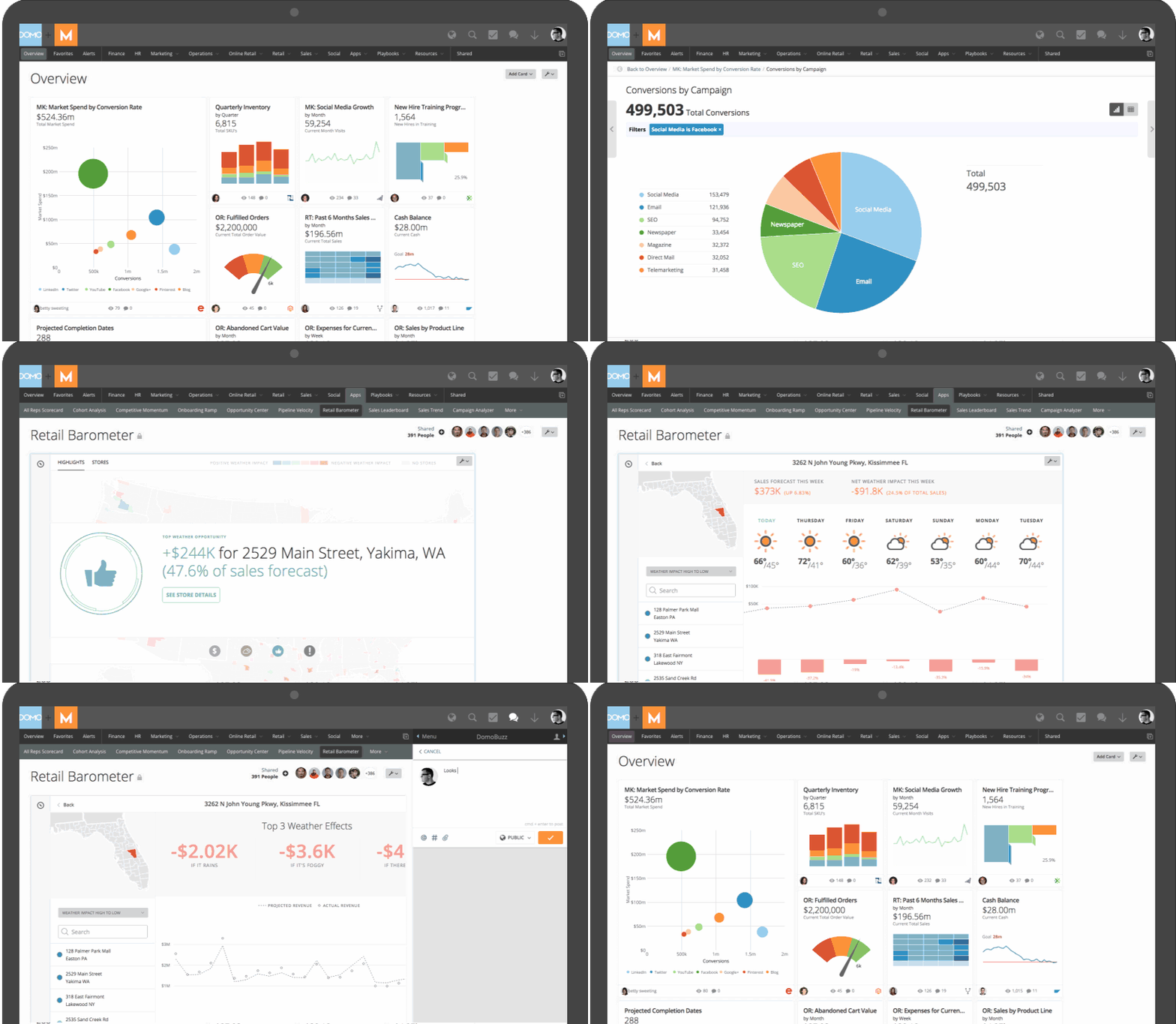
Sales & Inventory Dashboard
Visualize your business performance in real time using Zoho Deluge.Create an interactive dashboard app that pulls sales, purchase, and inventory data from Zoho Deluge. Users can view revenue trends, stock movements, top-selling products, and pending orders—all at a glance.