
.png)
Master Zoho Inventory: Streamline Your Stock Management and Boost Your Business!
Learn how to track inventory, automate stock management, and streamline your business operations with Zoho Inventory. Ideal for retailers, wholesalers, and supply chain managers.
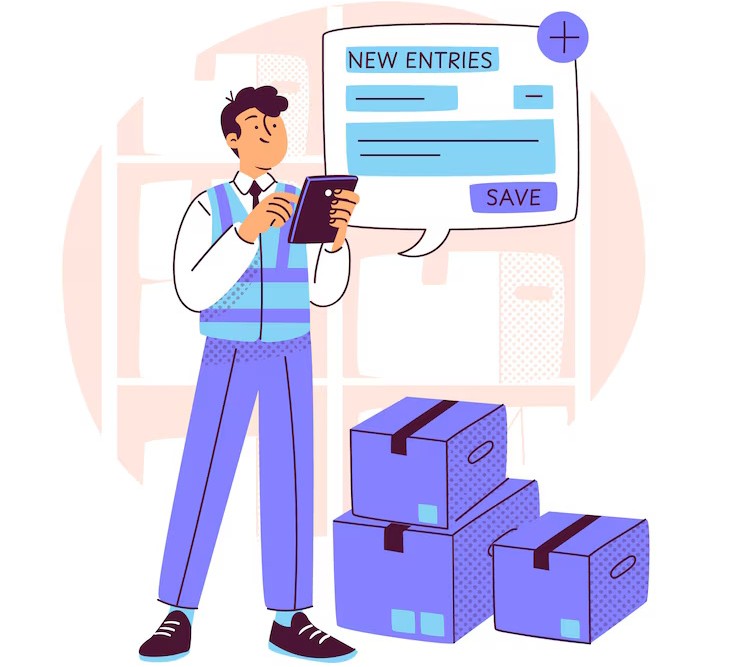
Why Learn Zoho Inventory with Us?
Our Zoho Inventory course is perfect for business owners, inventory managers, and operations professionals who want to streamline inventory control, automate stock updates, and optimize business logistics. Learn the essential skills needed for effective inventory management in today’s competitive market.
-
Beginner-Friendly
Start from the basics and quickly learn how to manage stock, handle orders, and track shipments using Zoho Inventory.
-
Practical Training
Hands-on practice with setting up product listings, tracking sales, automating reorders, and integrating with other business systems.
-
Career-Ready Skills
Acquire practical skills in inventory management that are crucial for businesses in retail, wholesale, and e-commerce sectors.

Comprehensive Zoho Inventory Training
Learn how to manage every aspect of your inventory with Zoho Inventory—from stock tracking and order management to invoicing and multi-channel sales. Ideal for small to medium-sized businesses and e-commerce entrepreneurs.
- Understand the Zoho Inventory dashboard and basic navigation features.
- Set up and manage your products, stock levels, and warehouses efficiently.
- Automate inventory updates, reorder points, and purchase orders.

No Inventory Management Experience? No Problem!
This course is designed for those with no prior inventory management experience. Step-by-step, you will learn how to automate and streamline your business operations with Zoho Inventory.
- Track stock levels and manage your products seamlessly
- Automate the creation of purchase orders and sales orders
- Integrate with e-commerce platforms for smooth order fulfillment
- Create reports to track stock movements, sales trends, and inventory performance
Course Syllabus Overview
This is a brief overview of the syllabus. For more detailed information on each topic, please download the full syllabus.
Download Full SyllabusDay 1: Introduction to Zoho Inventory
• What is Zoho Inventory?
• Core features and modules overview
• Setup wizard and initial configuration
• Understanding inventory workflows
Day 2: Organization Setup & Basic Configuration
• Company profile
• Taxes (GST/VAT)
• Currencies and multi-currency settings
• Branding: Logo, templates, email setup
Day 3: Items & Inventory Management
• Creating items: Goods, Services, and Item Groups
• Units of measurement
• Reorder levels and stock tracking
• Composite items (bundling)
Day 4: Warehouse Management
• Creating and managing multiple warehouses
• Warehouse-based stock management
• Inter-warehouse transfers
• Inventory valuation methods (FIFO, etc.)
Day 5: Contacts - Customers & Vendors
• Adding and managing customer and vendor profiles
• Contact persons and custom fields
• Importing/exporting contacts
• Customer segmentation
Day 6: Sales Orders Management
• Creating sales orders
• Sales approval workflows
• Converting sales orders to invoices/shipments
• Backorders and order status tracking
Day 7: Purchase Orders Management
• Creating purchase orders
• Linking purchase orders to bills
• Managing dropshipments and partial receipts
• Vendor tracking and approval rules
Day 8: Invoices, Bills & Payments
• Creating and customizing invoices and bills
• Recording customer payments and vendor payments
• Credit notes and refunds
• Payment reminders and automation
Day 9: Shipping Integration
• Integrating with shipping carriers (FedEx, UPS, etc.)
• Shipping label generation
• Real-time shipment tracking
• Packaging and shipping charges
Day 10: Returns & Adjustments
• Sales returns and purchase returns
• Creating and applying credit notes
• Stock adjustments (manual/auto)
• Damaged/lost stock handling
Day 11: Reports & Analytics
• Inventory, sales, and purchase reports
• Valuation summary and movement summary
• Customizing and scheduling reports
• Forecasting reports
Day 12: Online Store & Sales Channels Integration
• Integrating with Shopify, Amazon, eBay
• Managing multi-channel inventory
• Real-time stock sync and order flow
• Pricing and product listing management
Day 13: Zoho Ecosystem Integration
• Integration with Zoho Books and Zoho CRM
• Zoho Analytics for advanced reporting
• Zoho Flow for automation
• Syncing data across apps
Day 14: Automation & Customization
• Workflow rules and custom functions
• Email alerts and field updates
• Custom templates for documents
• Barcode scanning and serial number tracking
Day 15: Final Project & Review
• Full business scenario: Order to Delivery cycle
• Q&A and troubleshooting
• Admin tips and best practices
• Certification or assessment (optional)
Learning Support & Career Services
Enhance your learning with real-time help, regular assessments, and expert career guidance.

Live Doubt-Solving Sessions
Attend live Q&A and mentoring sessions to clarify your doubts in real time.

Assignments & Weekly Tests
Regular assessments to track your progress and reinforce learning.

Interview & Career Preparation
Personalized mock interviews, coding interview practice, and resume-building tips.
💥 Limited-Time Discounts on Tech Courses!
Grab your spot and save big on the skills that matter.
🎓 School Student Deal – 30% OFF
Get 30% off beginner-friendly coding, web, and STEM courses! Start your tech journey today.
Get Offer🏫 College Exclusive – 25% OFF
Advance your tech skills with 25% off specialized software and data courses built for college students.
Claim Deal👥 Group Deal – Save up to 40%
Join with 3+ friends and unlock up to 40% in savings! Study together, succeed together.
Join Now⚡ Flash Sale – 50% OFF (24 Hrs!)
Enjoy a massive 50% off any course for the next 24 hours. Don’t miss out!
Special offerZoho Inventory Interview Questions
Comprehensive guide to help you prepare for Zoho Inventory interviews, covering basic concepts to advanced workflows.
Interview Questions:
1.1: What is Zoho Inventory and what are its key features?
1.2: How is Zoho Inventory different from Zoho Books?
1.3: What modules are available in Zoho Inventory?
1.4: Explain the workflow of sales and purchase cycles in Zoho Inventory.
1.5: How do stock levels get updated in Zoho Inventory?
Interview Questions:
2.1: What is a composite item? How is it created and used?
2.2: Explain the concept of stock adjustments. When would you use it?
2.3: How can you manage multiple warehouses in Zoho Inventory?
2.4: What is the role of batch tracking and serial numbers?
2.5: How do you set reorder levels and what happens when stock goes below it?
Interview Questions:
3.1: What is the difference between a Sales Order and an Invoice?
3.2: How do you convert a Sales Order into an Invoice or a Shipment?
3.3: What’s the process to handle Purchase Orders in Zoho Inventory?
3.4: How do you process backorders?
3.5: How can you record partial purchases or sales in Zoho Inventory?
Interview Questions:
4.1: How do you integrate Zoho Inventory with shipping carriers?
4.2: Can Zoho Inventory connect with e-commerce platforms like Shopify or Amazon?
4.3: What happens when an order is placed via an online store integrated with Zoho Inventory?
4.4: How do shipping labels and package tracking work in Zoho Inventory?
4.5: What is the role of Zoho Inventory in order fulfillment?
Interview Questions:
5.1: How can you automate stock alerts in Zoho Inventory?
5.2: Explain the use of custom fields and templates.
5.3: What is a workflow rule, and how is it applied?
5.4: Can you create custom functions using Deluge in Zoho Inventory?
5.5: How do barcode scanning and QR codes work in Zoho Inventory?
Interview Questions:
6.1: What are the key inventory reports available in Zoho Inventory?
6.2: How do you track inventory valuation and costing (FIFO)?
6.3: Explain the purpose of a stock summary report.
6.4: Can you schedule or export inventory reports?
6.5: How do you use analytics to make inventory decisions?
Interview Questions:
7.1: A customer returns a product — how would you handle it in Zoho Inventory?
7.2: You receive a partial delivery from a vendor — how would you record it?
7.3: How would you set up Zoho Inventory for a business with multiple store locations?
7.4: A customer places an order for an item that’s out of stock — what do you do?
7.5: How would you migrate data from an old inventory system to Zoho Inventory?
• Create a composite item from 3 individual components.
• Set up a workflow rule to notify when stock drops below reorder level.
• Generate a Sales Order and convert it into an Invoice and a Shipment.
• Show how to adjust stock manually for damaged goods.
Project Ideas
Explore innovative inventory and order management solutions integrated with Zoho Inventory.
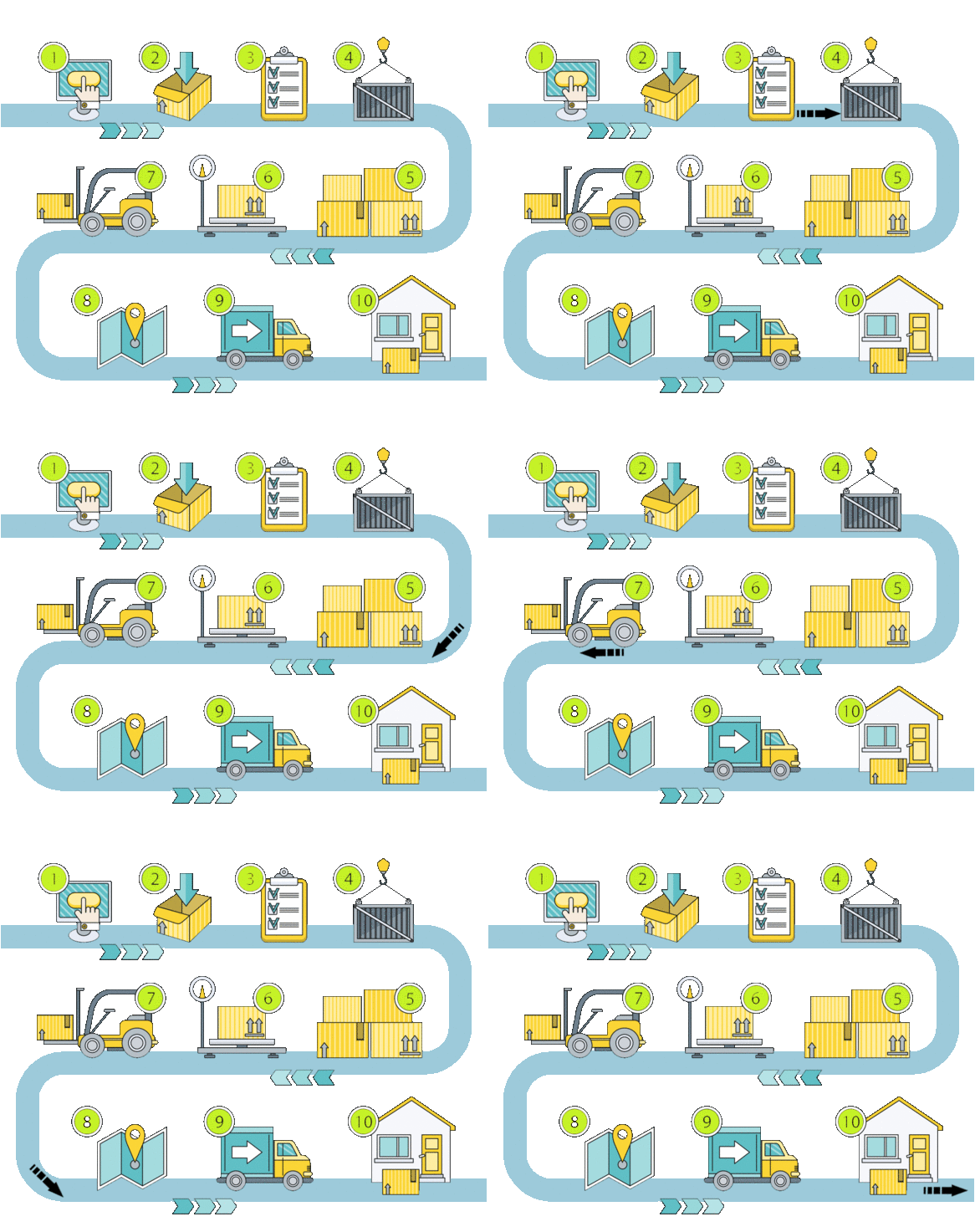
Smart Inventory & Order Management App
Automate stock management and streamline sales.Create a smart inventory app integrated with Zoho Inventory. Users can manage product stock, generate sales and purchase orders automatically, and track shipments—all in one place.
Inventory Reorder Alert App
Never run out of stock—get alerts for low inventory!Build an app that monitors product stock levels in Zoho Inventory and sends automatic alerts (email or WhatsApp) when quantities drop below a defined threshold.
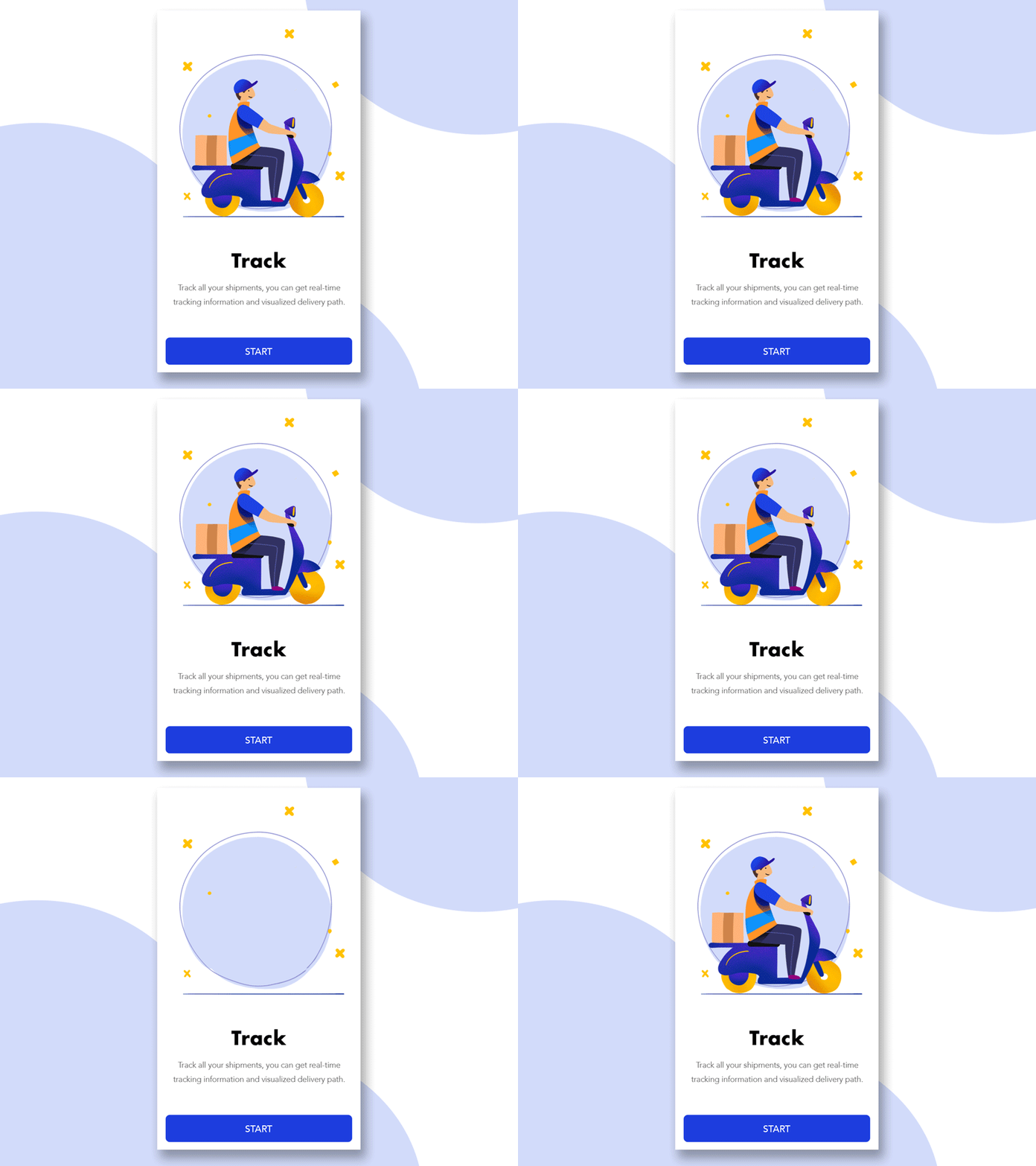
Shipment Tracker App
Track your shipments from order to delivery.Integrate with Zoho Inventory and shipping providers to build a shipment tracking portal. Customers and admins can view the real-time status of shipments.
B2B Order Portal
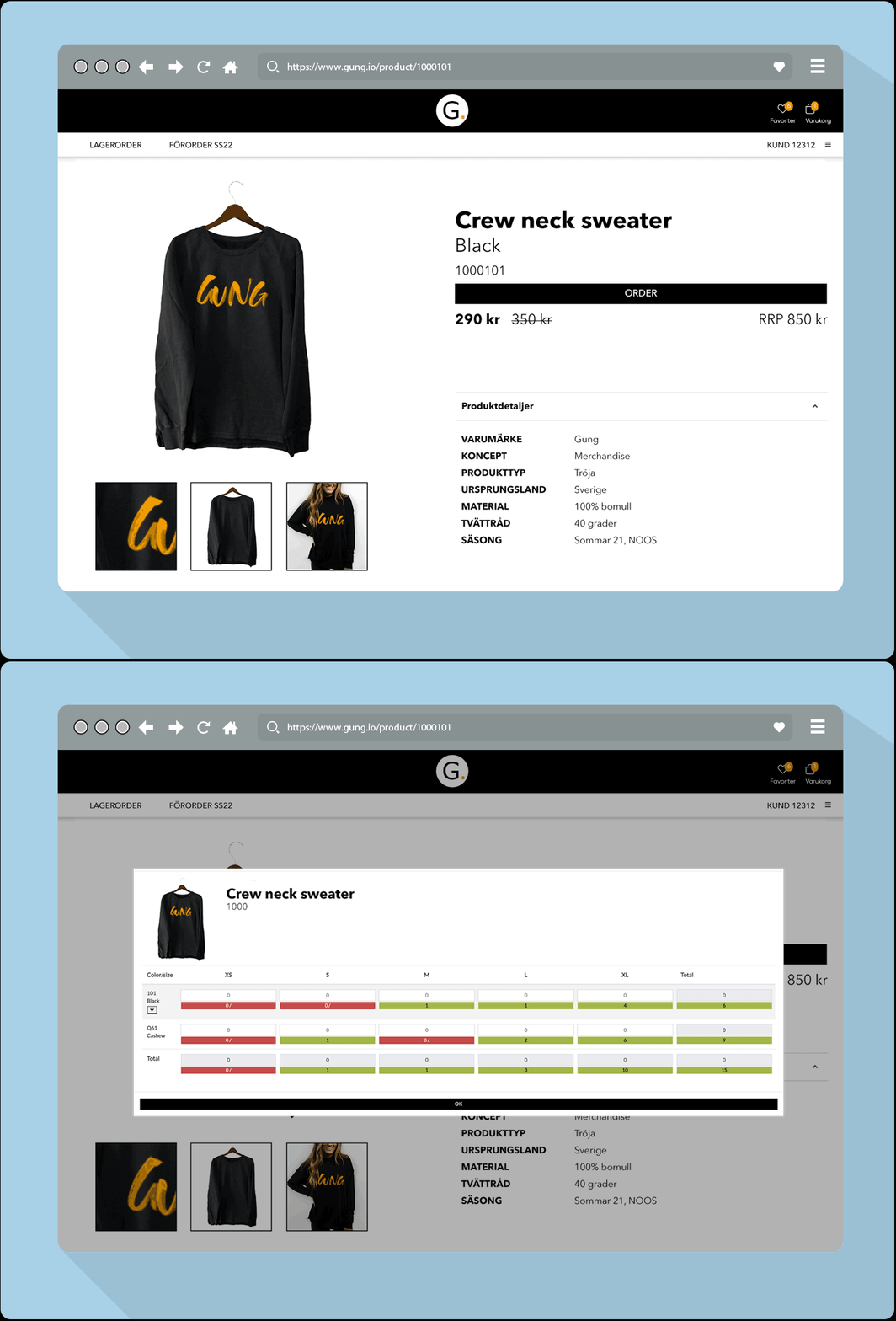
Let your clients place bulk orders directly.Design a web app for wholesale buyers to log in, browse available inventory, and place orders. Orders are synced to Zoho Inventory automatically.
Sales & Inventory Dashboard
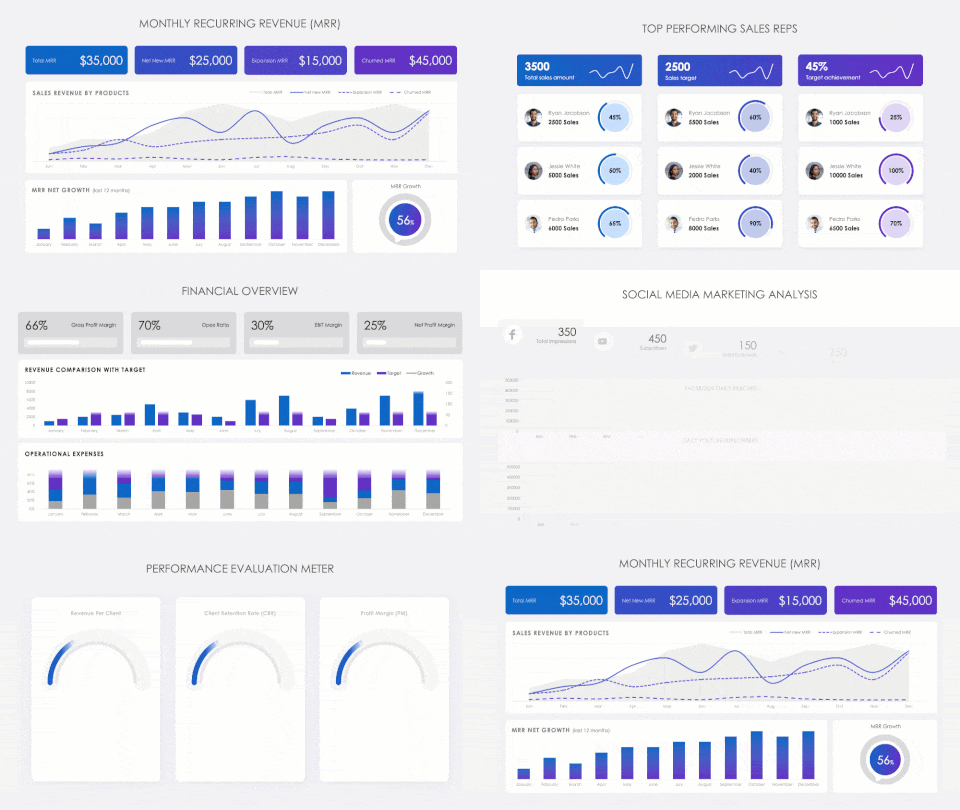
Visualize your business performance in real time.Create an interactive dashboard app that pulls sales, purchase, and inventory data from Zoho Inventory. Users can view revenue trends, stock movements, and more.